WHAT IS DAM
WHAT IS A DIGITAL ASSET
MANAGEMENT PLATFORM?
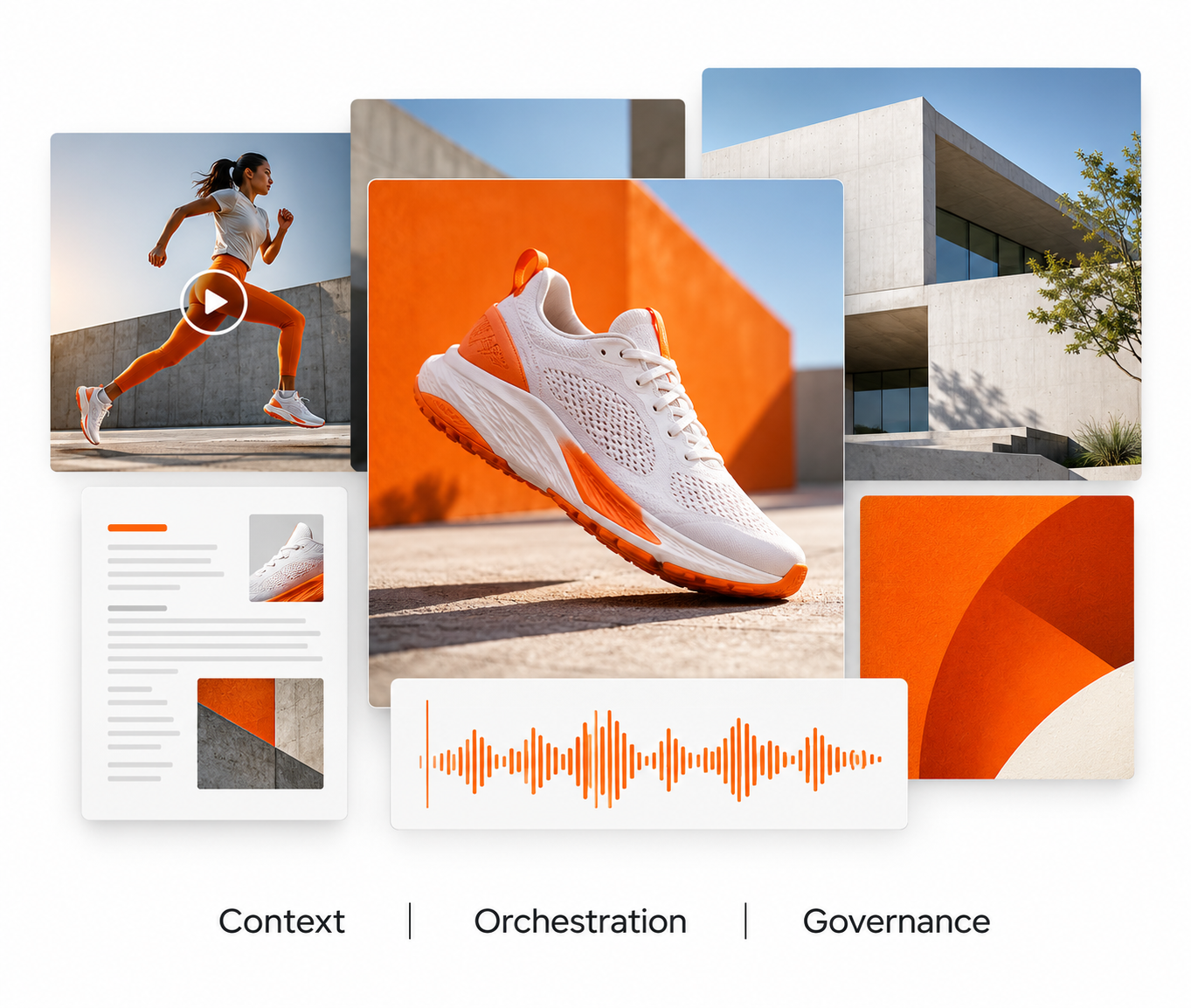
Digital asset management (DAM) platform is a centralized platform for storing, organizing, finding, using, and distributing an organization's digital content — images, video, documents, and brand assets — along with the metadata that describes them. Modern enterprise DAM adds three capabilities that basic file storage lacks: context (metadata, rights, and usage history), orchestration (the workflows that move content from creation to publication), and governance (the rules and permissions that control who can do what with each asset).
DIGITAL ASSETS
WHAT COUNTS AS A
DIGITAL ASSET?
A digital asset is any file that holds business value and needs to be managed, protected, or reused. If your team creates it, approves it, or publishes it, it's a digital asset worth managing properly.
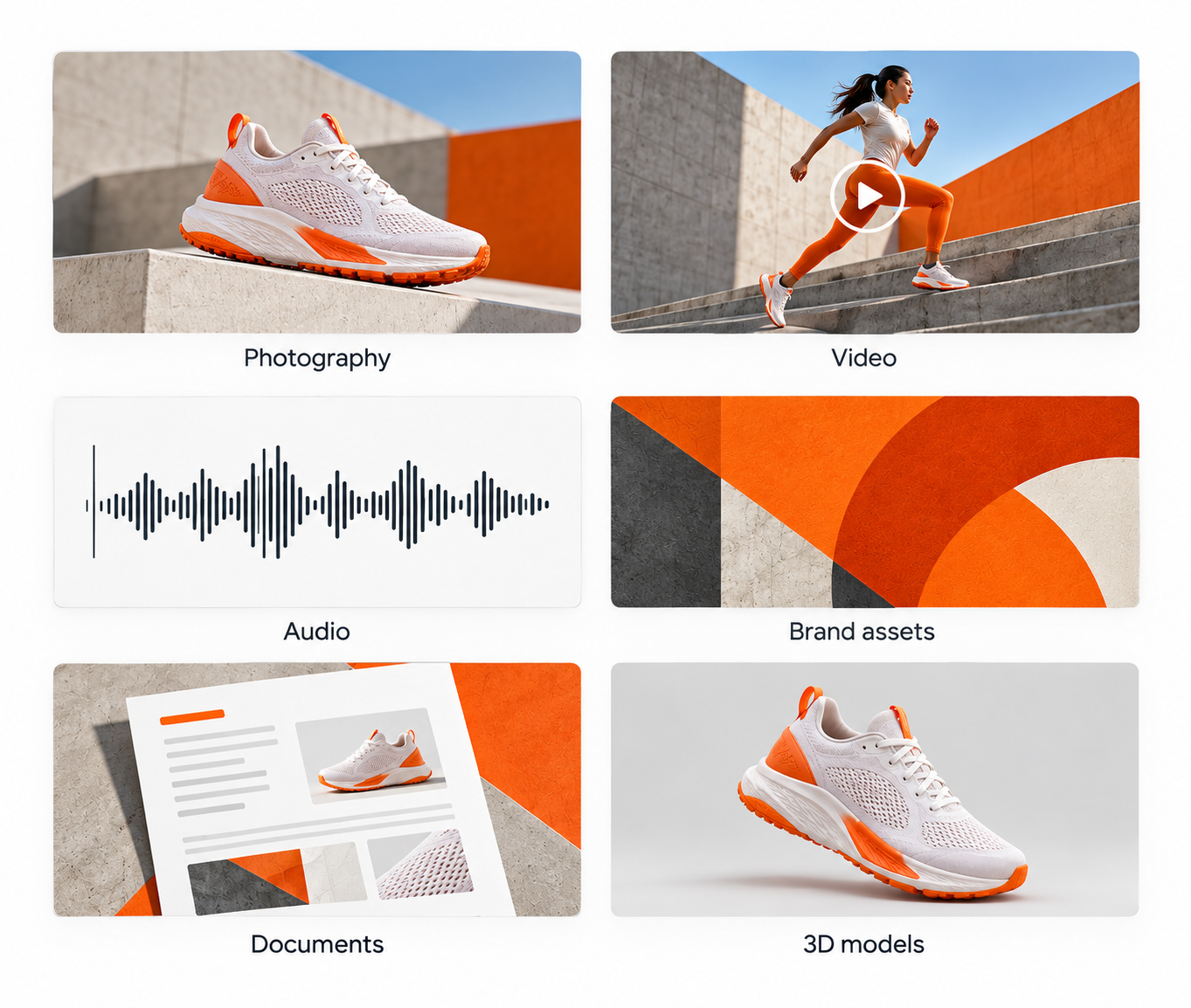
Common digital assets include:
- Photos, videos, and audio files
- Logos, brand guidelines, and design templates
- InDesign files, PowerPoint decks, and PDFs
- 3D models, product imagery, and campaign content
- Marketing collateral, legal documents, and training materials
WHY DAM
WHY DO ORGANIZATIONS NEED
A DAM PLATFORM?
Organizations need a DAM platform because shared drives and ad-hoc tools stop working once content volume, teams, and channels grow. A DAM replaces them with one governed source of truth for every file the organization depends on. Five problems appear at scale without a DAM:
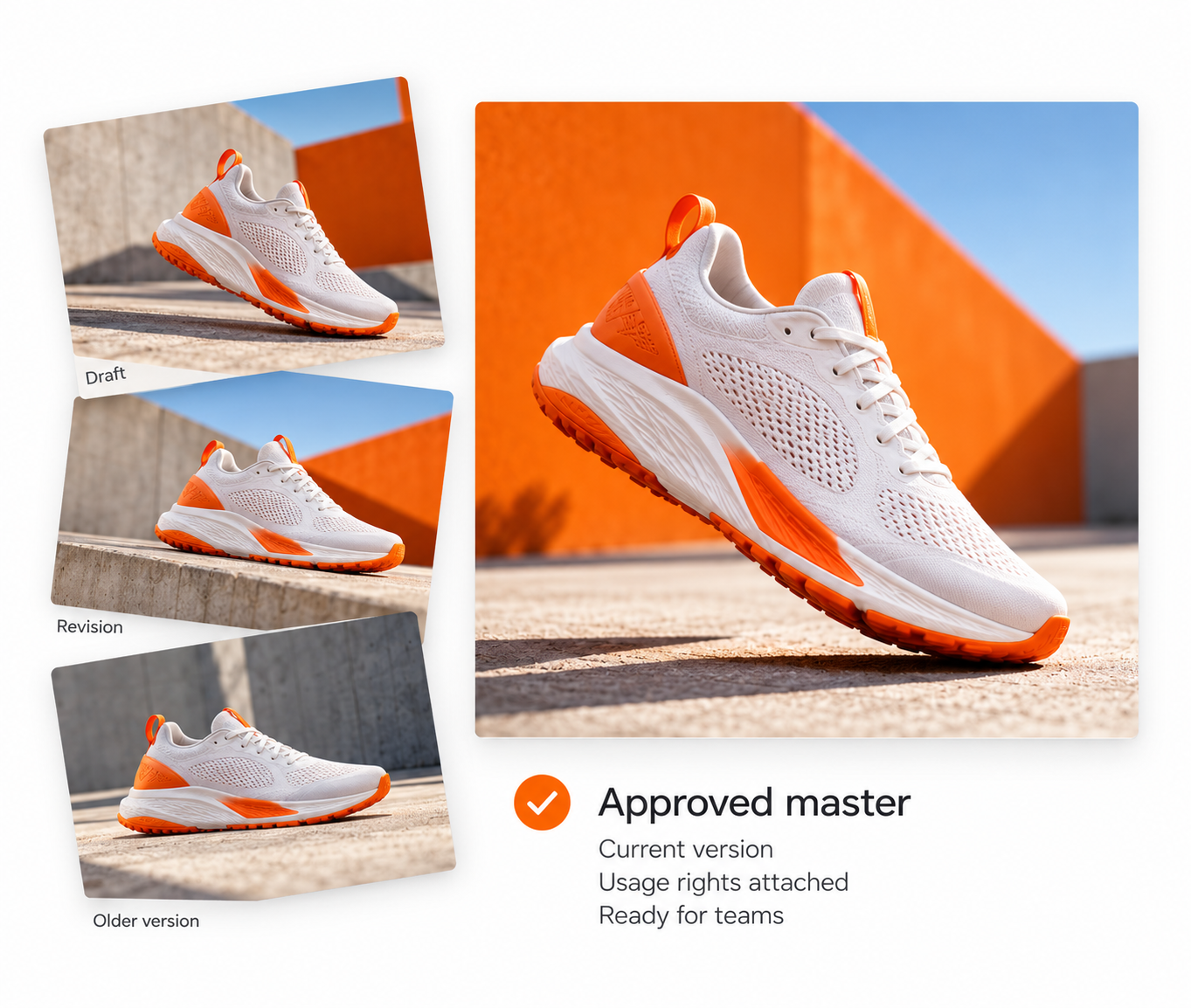
- Version confusion. Multiple copies circulate with no clear final version, and teams publish outdated materials.
- Lost time. Staff spend hours searching for assets instead of producing them.
- Inconsistent brand execution. Regional teams and agencies work from different versions, producing off-brand output across channels and markets.
- Compliance and rights risk. Expired licenses, unlicensed imagery, and missing usage records create legal exposure.
- Fragmented tooling. Separate systems for assets, media, rights, workflow, and approvals create handoff overhead; consolidating them reduces operational burden.
A DAM resolves these by making every asset findable, controlling who can use what, tracking usage rights, and connecting to the tools teams already work in.
WHAT A DAM DOES
WHAT DOES A DAM PLATFORM
ACTUALLY DO?
A DAM platform manages the entire asset lifecycle — from the moment an asset is created to the moment it's published and measured — across five areas.
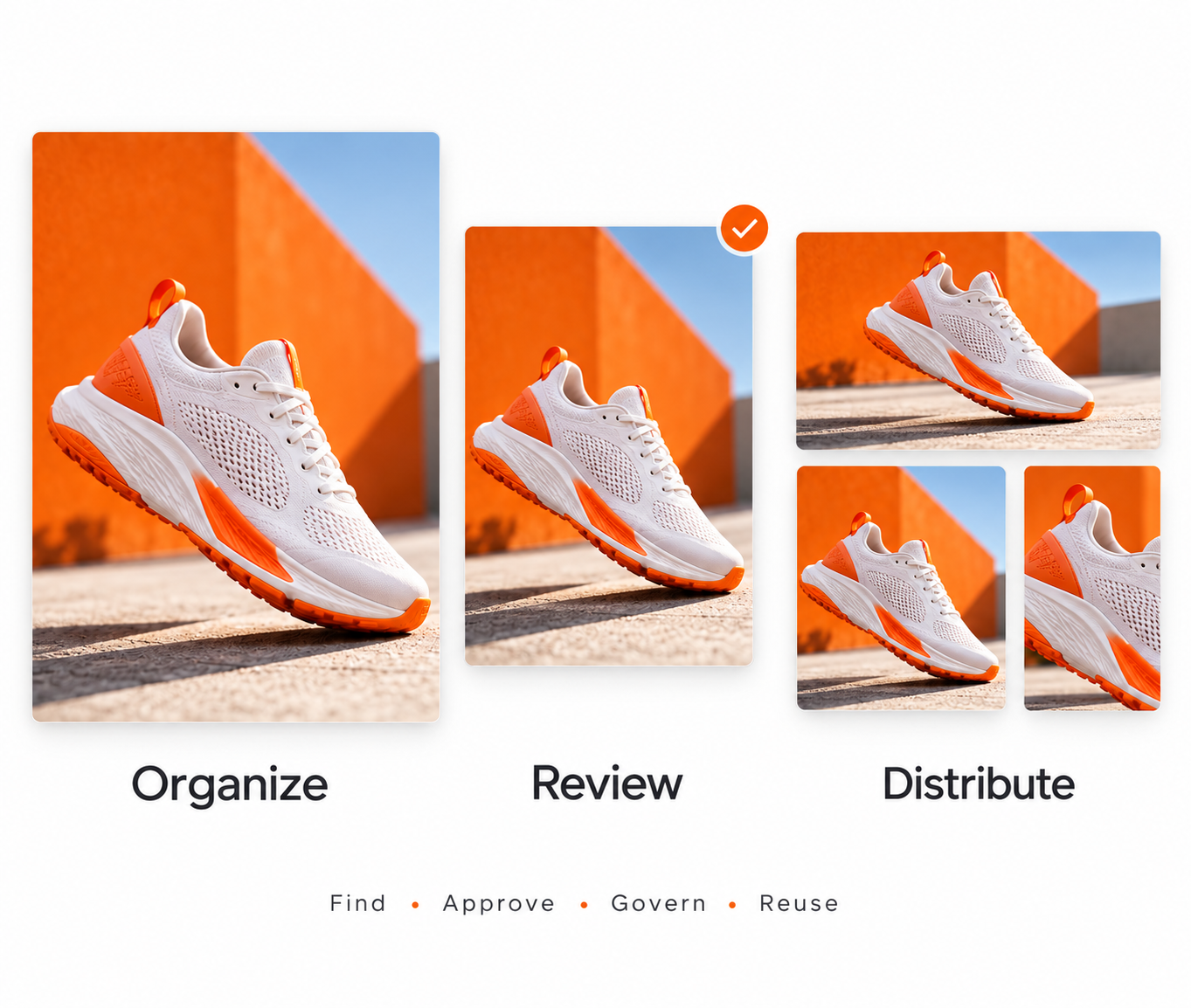
- Ingest and organize. Assets upload directly from production workflows or connected tools, and metadata is applied automatically or manually at ingestion so files are discoverable immediately. Large deployments handle millions of assets under a single unified metadata schema.
- AI-powered search and tagging. AI adds searchable tags at upload, cutting retrieval time. Natural-language search, visual-similarity search, and metadata filtering let teams find assets without knowing exact filenames or folder locations.
- Review and approval workflows. Reviewers comment, mark up, and approve files inside the platform, with approval stages configured by team, asset type, or destination channel. Version history tracks automatically, eliminating files named "logo_FINAL_v3_FINAL."
- Rights and permissions management. Access controls govern who can view, download, and share each asset, and rights tracking enforces licensed imagery, model releases, and usage windows. Regulated industries — finance, healthcare, insurance — use DAM as their compliance enforcement layer.
- Publishing and distribution. DAM connects to CMS, PIM, social platforms, and creative tools for multi-channel delivery, and version control ensures downstream systems always pull the current approved file. Distribution reporting shows where each asset was placed and how it performed.
CONTEXT
WHAT IS CONTEXT IN DAM,
AND WHY DOES IT MATTER?
Context is the metadata, usage history, rights status, and relational data that tells a team what an asset is, where it came from, what it's approved for, and how it has performed. Basic file storage has no context layer; files sit in folders with no added intelligence.
In an enterprise DAM, context builds and maintains itself automatically. A photo upload triggers AI tagging for subject matter, color palette, and content type. Rights agreements track their own expiration and usage scope. Every distribution to a channel logs as reportable activity.
Context is also what makes AI reliable. AI agents need rich context to act correctly in a workflow. Without context, agents process files; with it, they process meaning.

ORCHESTRATION
WHAT IS ORCHESTRATION
IN DAM?
Orchestration is the coordination of the tasks, approvals, people, and systems involved in moving content from creation to distribution. Early DAM systems were repositories, while orchestration happened separately over email and project-management tools, with manual handoffs between systems.
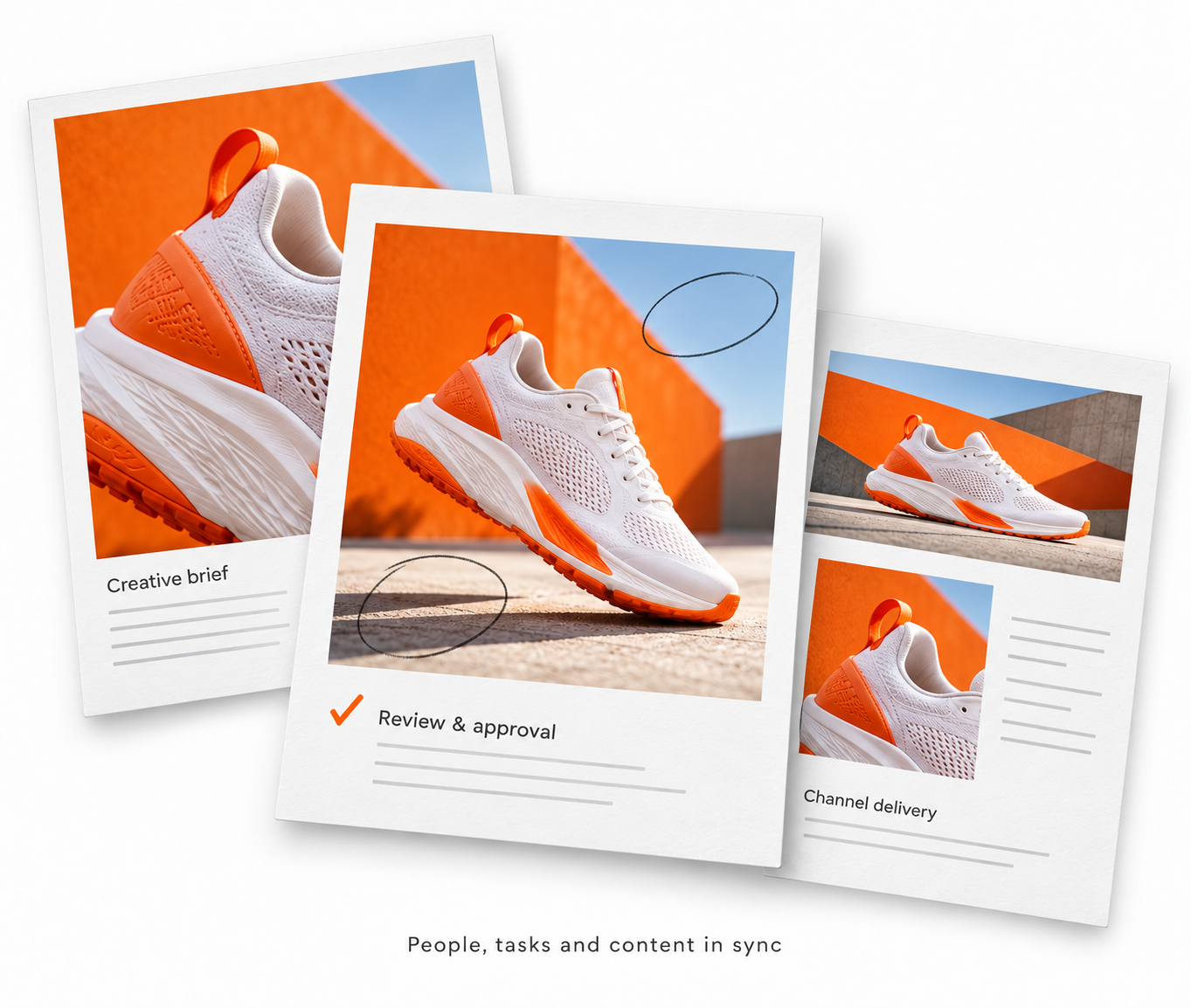
Modern platforms manage the entire content supply chain from within a single environment — creative briefs, task assignments, proofing, approval routing, version control, and channel distribution — which lets:
- Creative teams receive briefs, produce assets, gather feedback, revise, and publish without leaving the platform
- Campaign managers see real-time asset-production status
- Legal and compliance review and approve in the same system before publication
- Automated rules handle routine routing and distribution that once required manual intervention
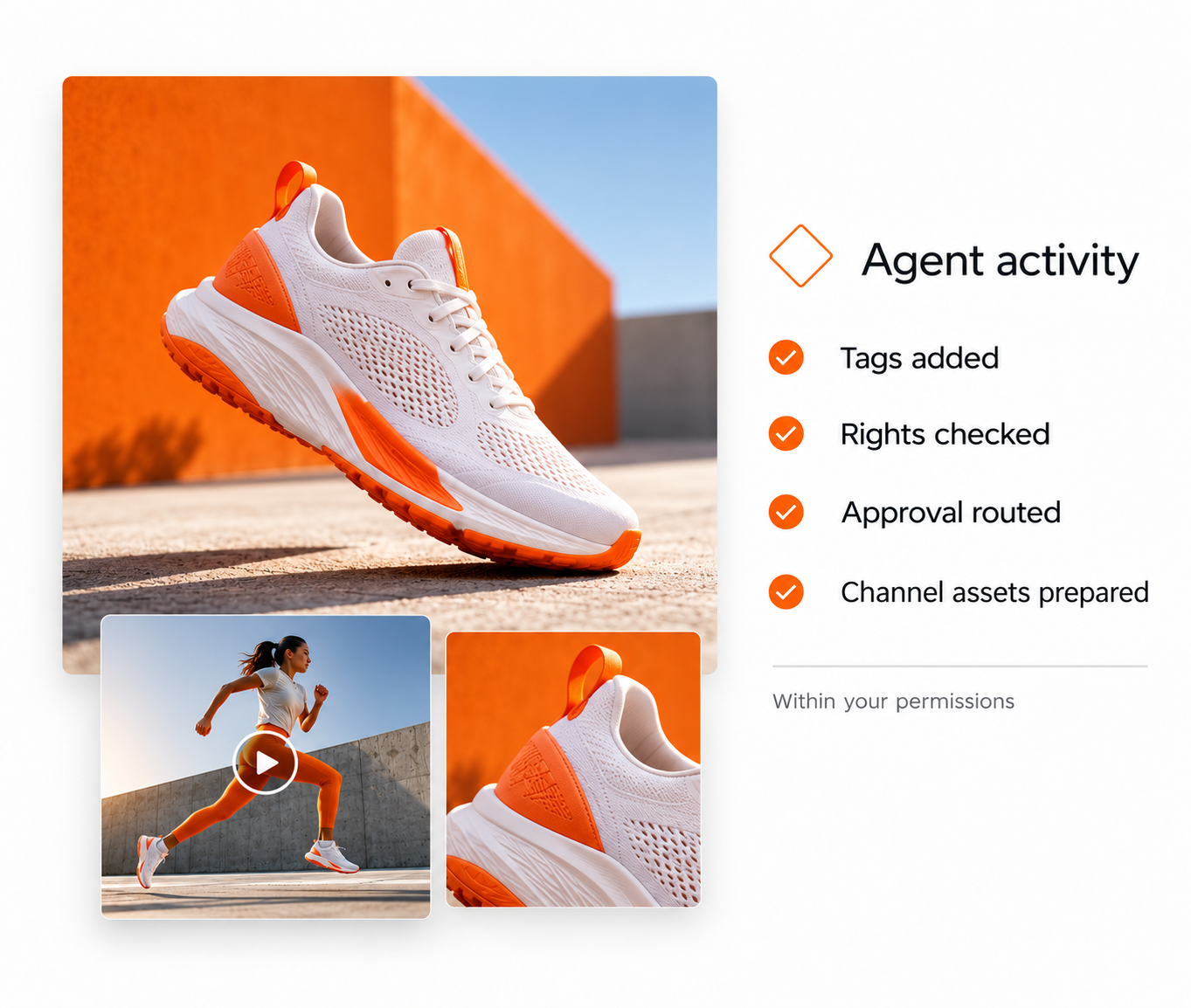
The next phase is agentic orchestration: AI agents handle discrete workflow tasks autonomously, tagging incoming assets, checking rights status, routing files by content type, and triggering distribution on approval.
DAM VS. FILE STORAGE
HOW IS MODERN DAM DIFFERENT
FROM FILE STORAGE?
Storage holds files while a DAM manages assets, adding metadata, workflow, rights, integrations, AI, and governance that cloud drives don't have. Cloud storage such as Google Drive or Dropbox is built for documents and general file access, not enterprise-scale marketing, creative, legal, and operations workflows.
- Metadata and taxonomy. DAM: rich, customizable metadata to discover by campaign, product, region, or rights status. File storage: folder hierarchies that don't scale at enterprise volume.
- Workflow and approvals. DAM: native tasks, handoffs, versioning, approvals. File storage: files only, no production workflow.
- Rights management. DAM: tracks usage rights, expiration windows, and approvals. File storage: no licensing awareness.
- Integrations. DAM: connects to Adobe Creative Cloud, CMS, PIM, CDNs, and enterprise systems — a hub. File storage: a destination, not a hub.
- AI and intelligence. DAM: auto-tagging, categorization, asset surfacing, workflow automation. File storage: no content understanding.
- Governance and audit. DAM: audit trails, permissions architecture, compliance tooling. File storage: none.

AGENTIC DAM
WHAT IS AGENTIC DAM, AND
WHY DOES IT MATTER NOW?
Agentic DAM refers to content workflows in which AI agents handle tasks autonomously, without a person initiating every step. It matters now because AI agents are only as reliable as the metadata, rights, and governance they act on, which is exactly what a DAM maintains. In an agentic DAM, agents can:
- Tag and categorize assets at ingestion without manual metadata entry
- Check rights and permissions before routing assets to downstream channels
- Monitor for compliance issues — expired licenses, unapproved usage — and trigger alerts or blocks
- Route assets through approval workflows based on content type, destination, or metadata
- Coordinate with agents in connected systems (CRM, PIM, CMS) to deliver content
- Learn from usage signals and surface assets more effectively over time
Because those agents run on the DAM's own governance and rights rules, the automation stays accurate, permissioned, and auditable as it scales.