DIGITAL PRESERVATION
PRESERVE DIGITAL ASSETS WITHOUT LOSING ACCESS
Keep long-term collections intact and still within reach, without maintaining a separate archive system.

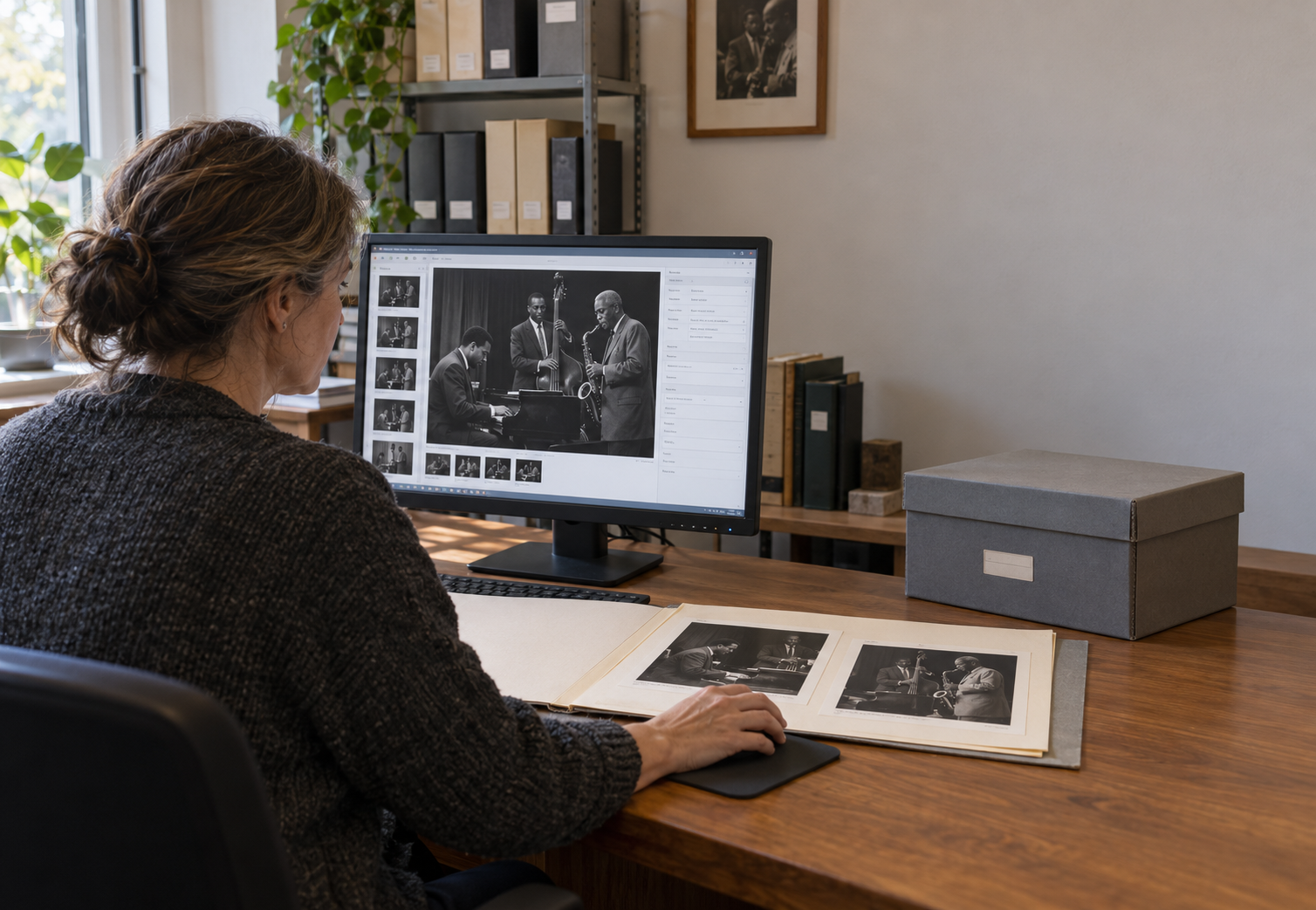
KEEP COLLECTIONS INTACT
AND WITHIN REACH
Storing a file isn't the same as preserving it. Real preservation means a file still opens, still reads correctly, and still turns up when someone looks for it, years later.
- Verify file integrity. Run fixity checks to identify changes or corruption.
- Plan for obsolescence. Migrate usable copies while retaining original files.
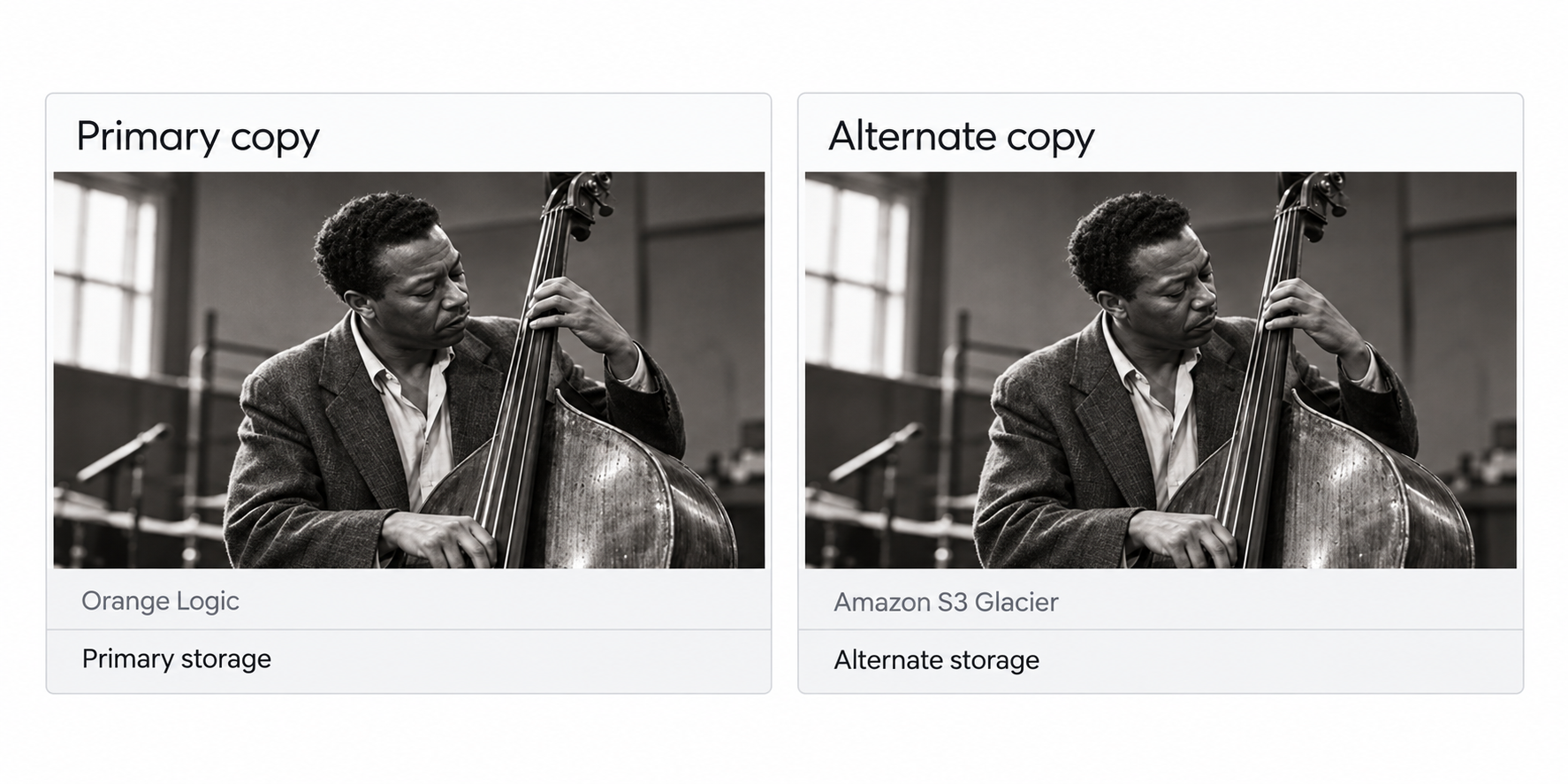
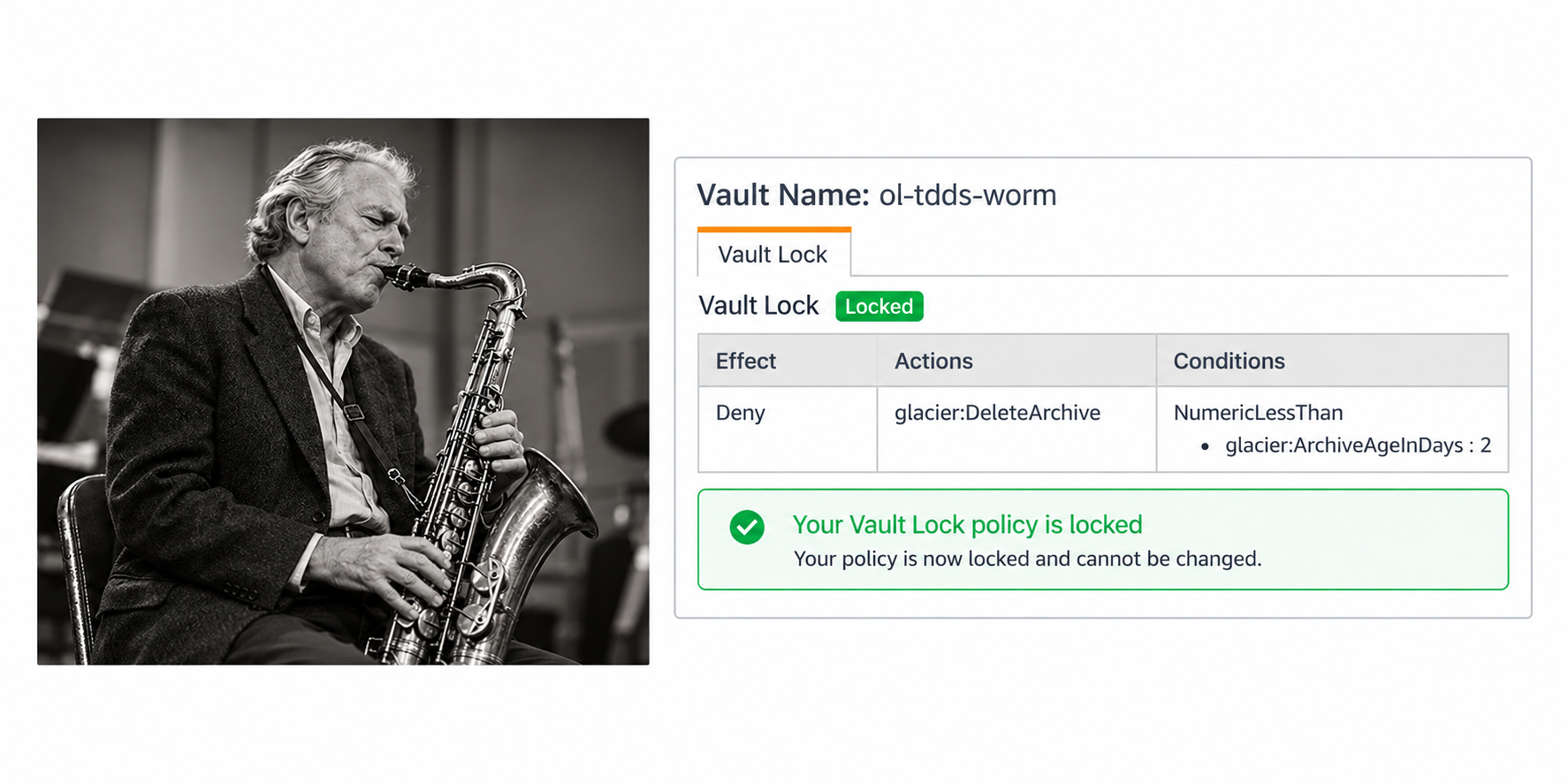
- Guard against loss. Keep backup copies and use optional WORM storage to prevent critical files from being overwritten.
That's the difference between storing a file and truly preserving it: when content is still usable decades after it was captured.
DIGITAL PRESERVATION FEATURES
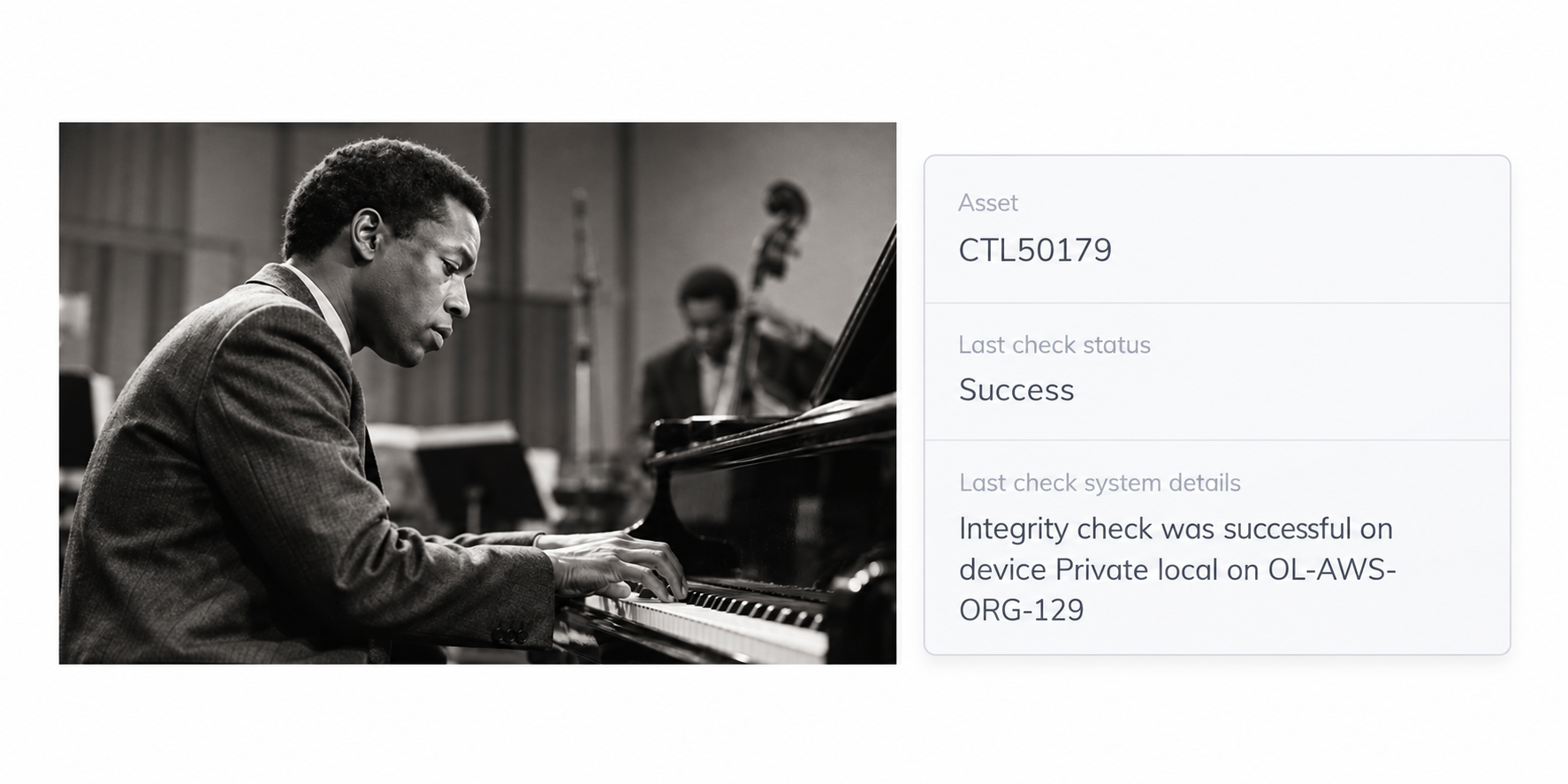
Run integrity checks to identify changes or corruption in preserved files.
FORMAT PRESERVATION
PLAN FOR OBSOLESCENCE
KEEP FILES READABLE
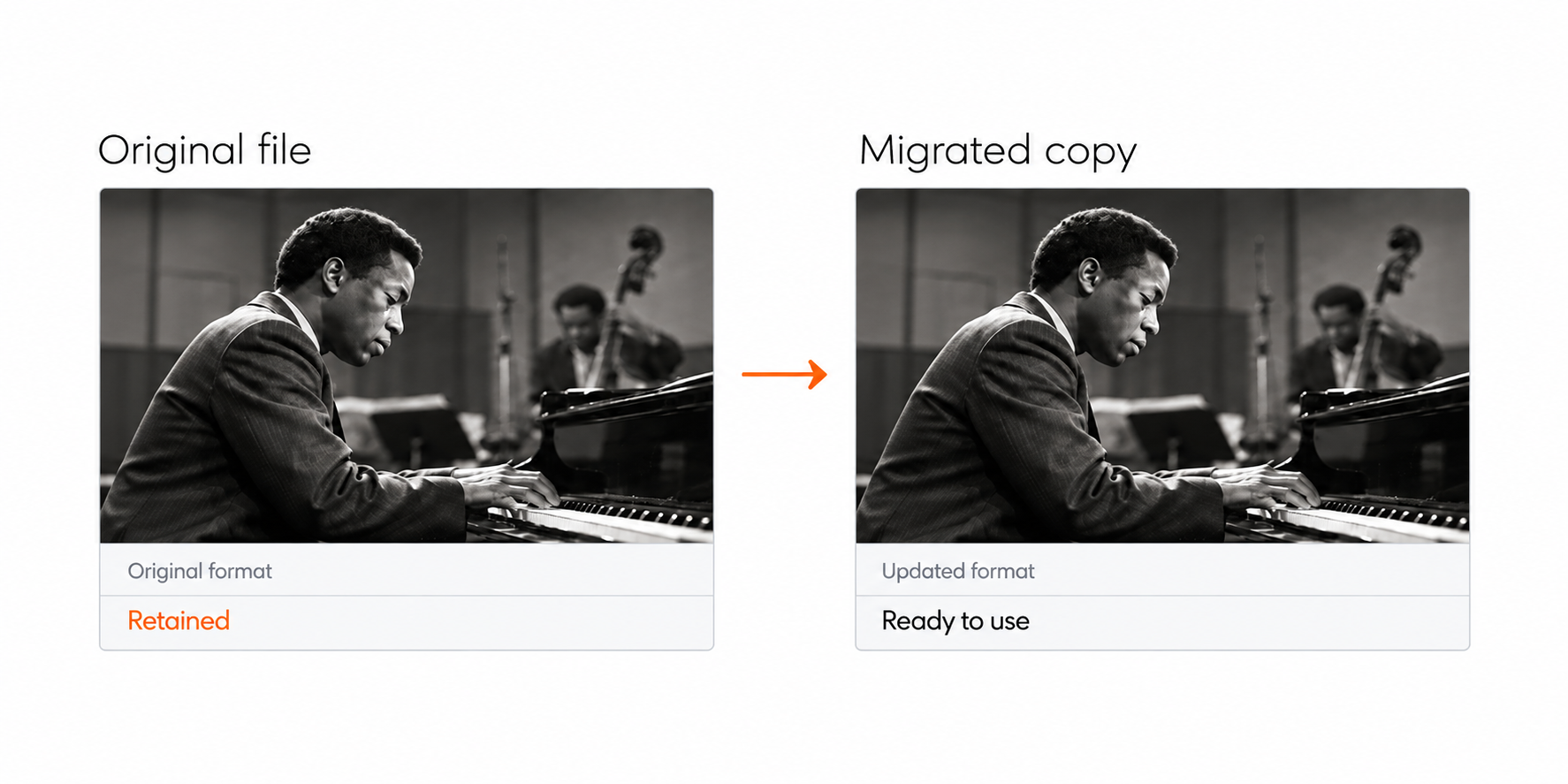
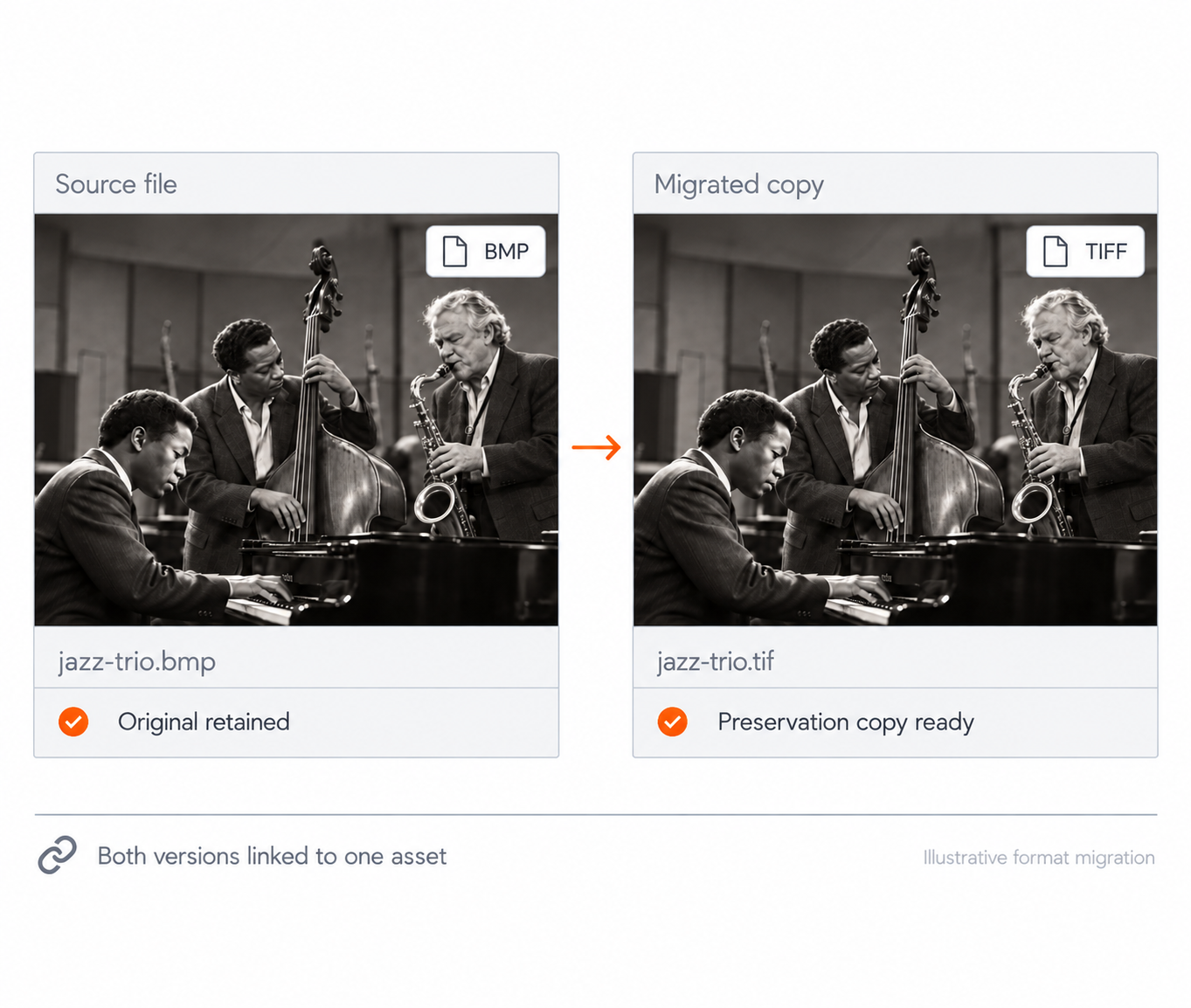
File formats change even when the value of the content does not. Orange Logic helps keep aging files accessible by migrating copies to newer formats while preserving the original.
- Automate format migration. When older formats need to be updated, Orange Logic can create migrated copies in newer formats in the background without requiring teams to manage the process manually.
- Retain the original. Keep the source file alongside the migrated preservation version so the original record is never lost.
- Keep content usable. Maintain readable preservation copies as technology changes while keeping them connected to the same asset record.
Protect long-term usability without adding ongoing format management to your team's workload.
FILE INTEGRITY
VERIFY EVERY FILE
CATCH CHANGES EARLY
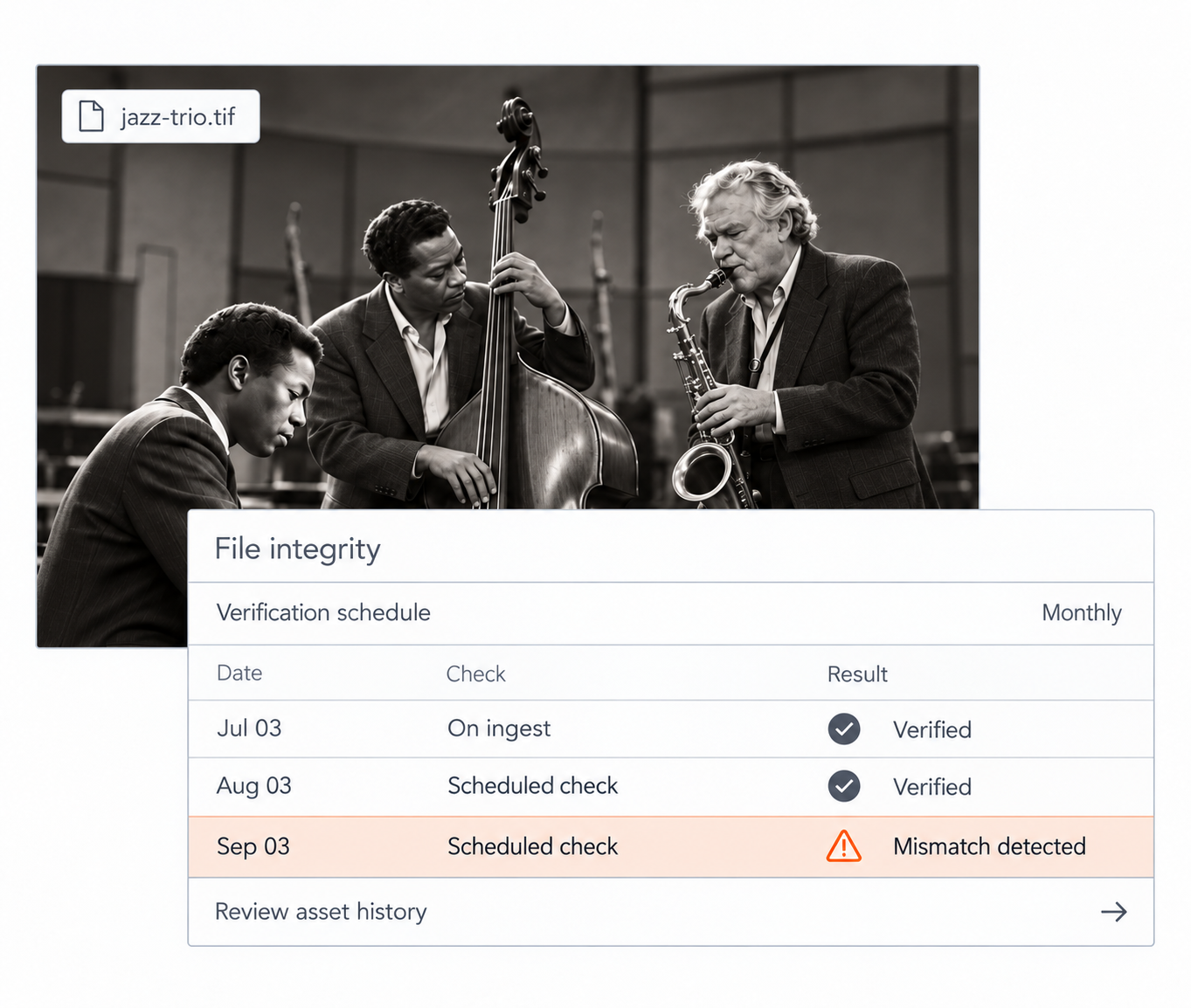
Preservation starts with knowing that the file you have today is still the file you intended to keep. Here's how to monitor for changes and investigate them when they happen.
- Check files on ingest. Create a fixity check when an asset is first uploaded.
- Verify on a schedule. Run recurring integrity checks to detect unexpected changes or corruption.
- Review asset history. Use the asset audit trail to understand changes when something needs investigation.
Catch integrity issues before they undermine confidence in the collection.
LONG-TERM ACCESS
OLD FILES
NEW ACCESS
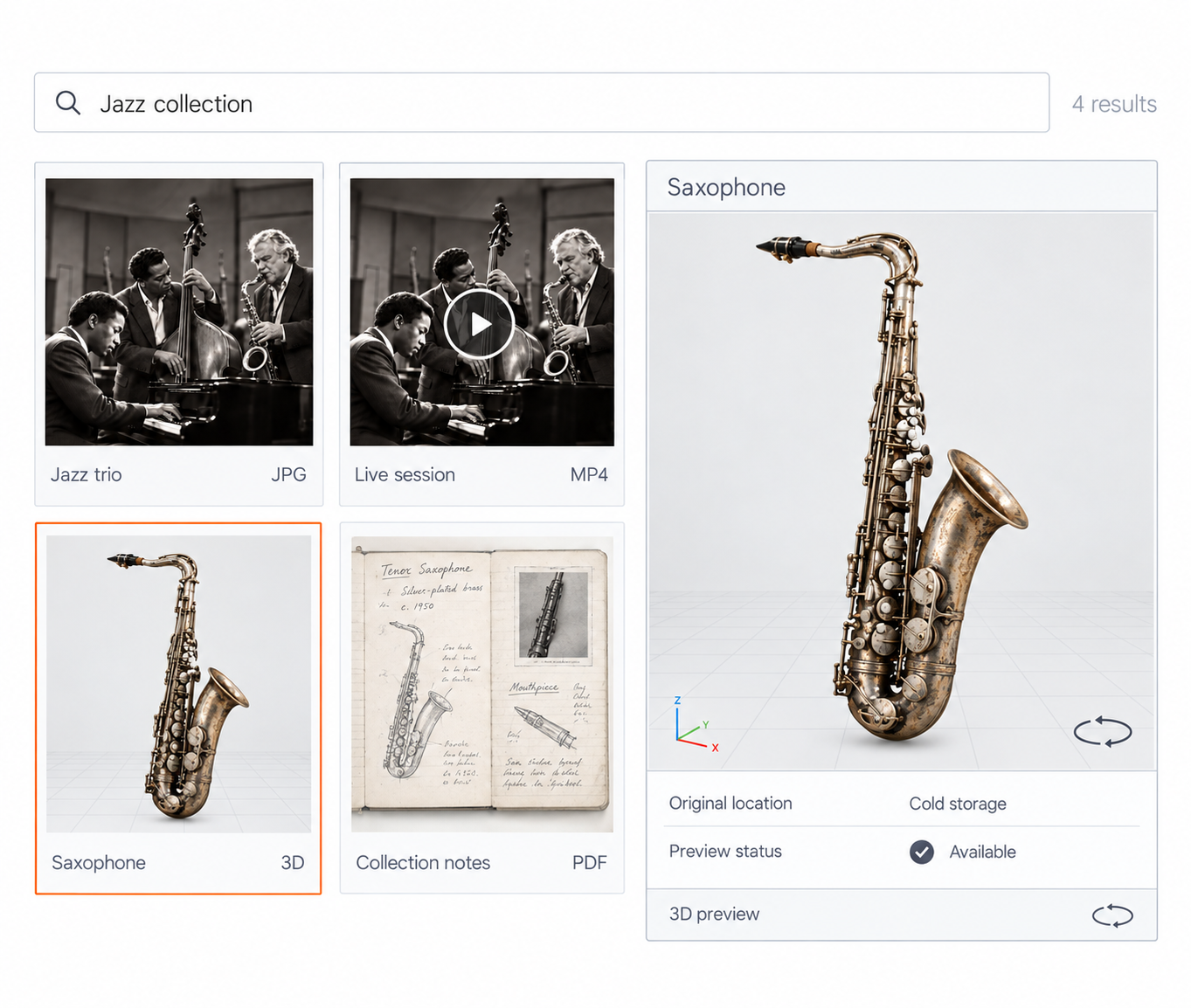
Preserved content still needs to be discoverable and usable. Keep archived assets searchable and previewable even when originals are stored in colder tiers.
- Search archived content. Find assets and metadata without first restoring every original file.
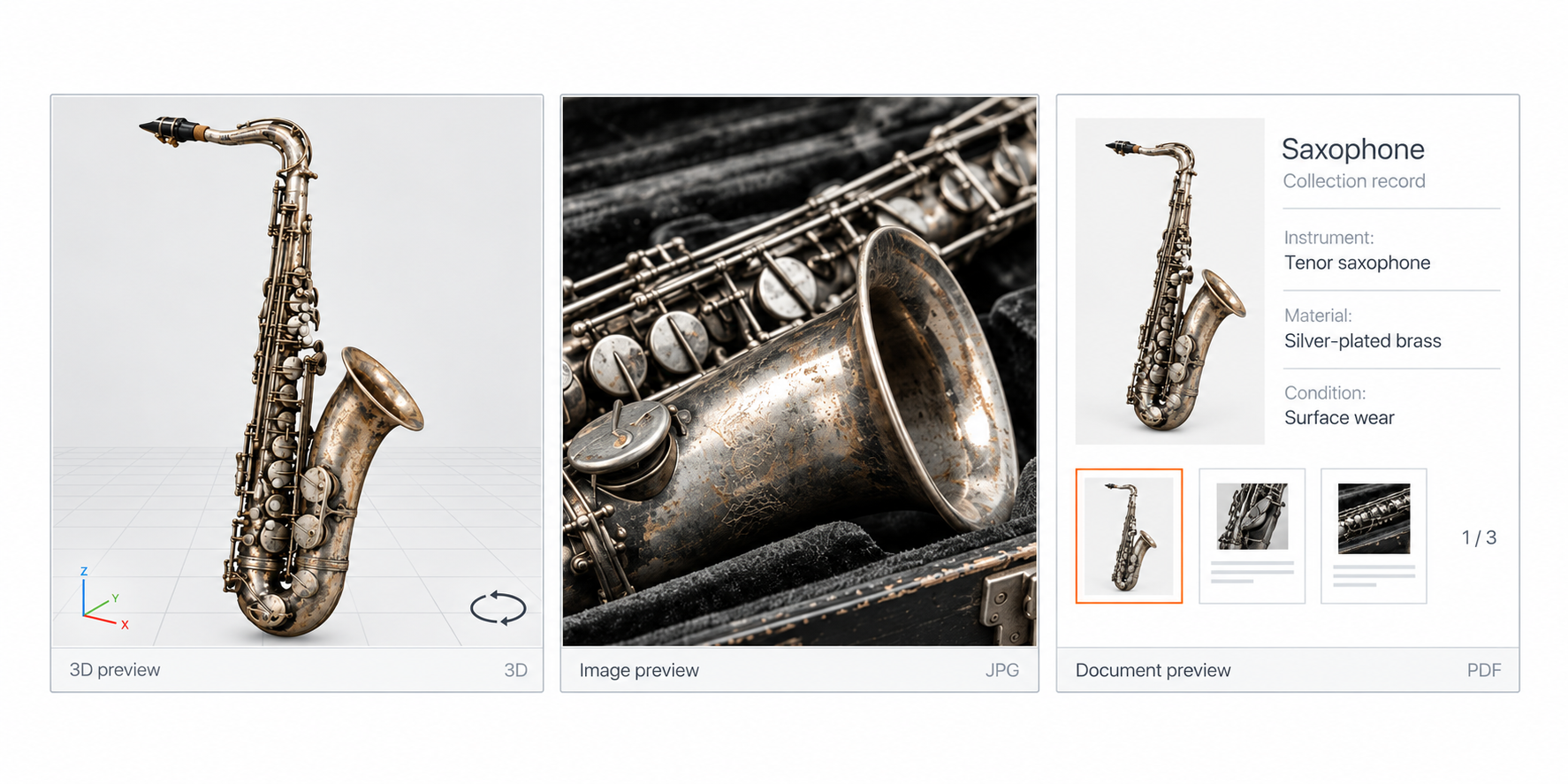
- Preview uncommon formats. Render images, video, 3D assets, and multipage documents in the DAM.
- Reduce software dependence. Review supported files without needing the application that originally created them.
An archive stays active when people can still find and open its content, not just when it's still stored.
PRESERVATION STORAGE
MORE COPIES
LESS RISK
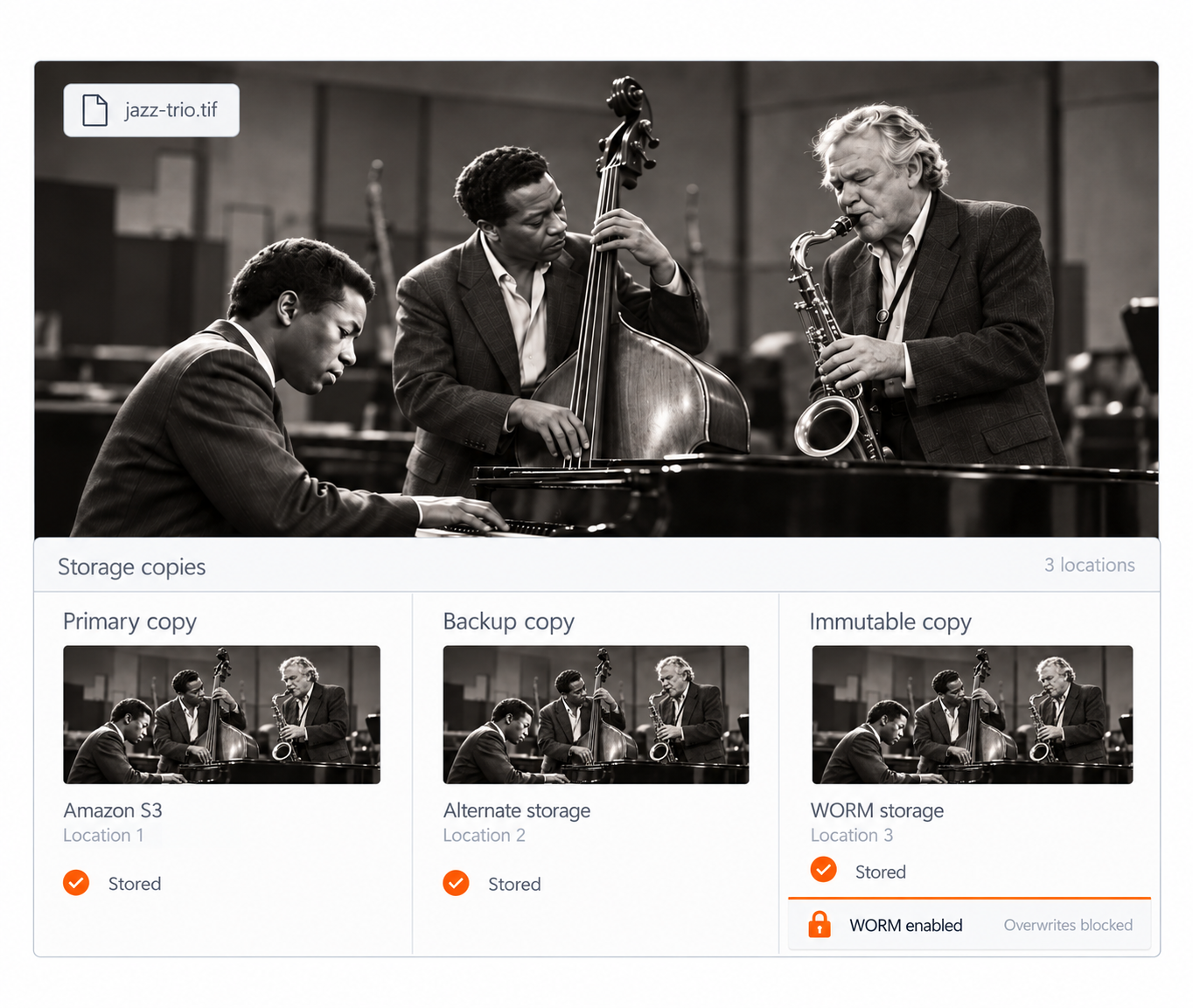
Long-term preservation should not depend on one copy in one place. Spread assets across backup locations and lock the most important files down with immutable storage, so control never depends on a single point of failure.
- Choose your storage. Store with AWS or another vendor that fits your preservation strategy.
- Maintain backup copies. Store copies in alternate locations or across multiple providers.
- Prevent overwrites. Use WORM storage when important files should remain immutable.
Redundancy protects against loss. Immutability protects against tampering. Together, they keep control in your hands.
There's no reason why these materials need to be locked away somewhere. They should be out in the world. They should be used and studied and explored — and enjoyed, too.