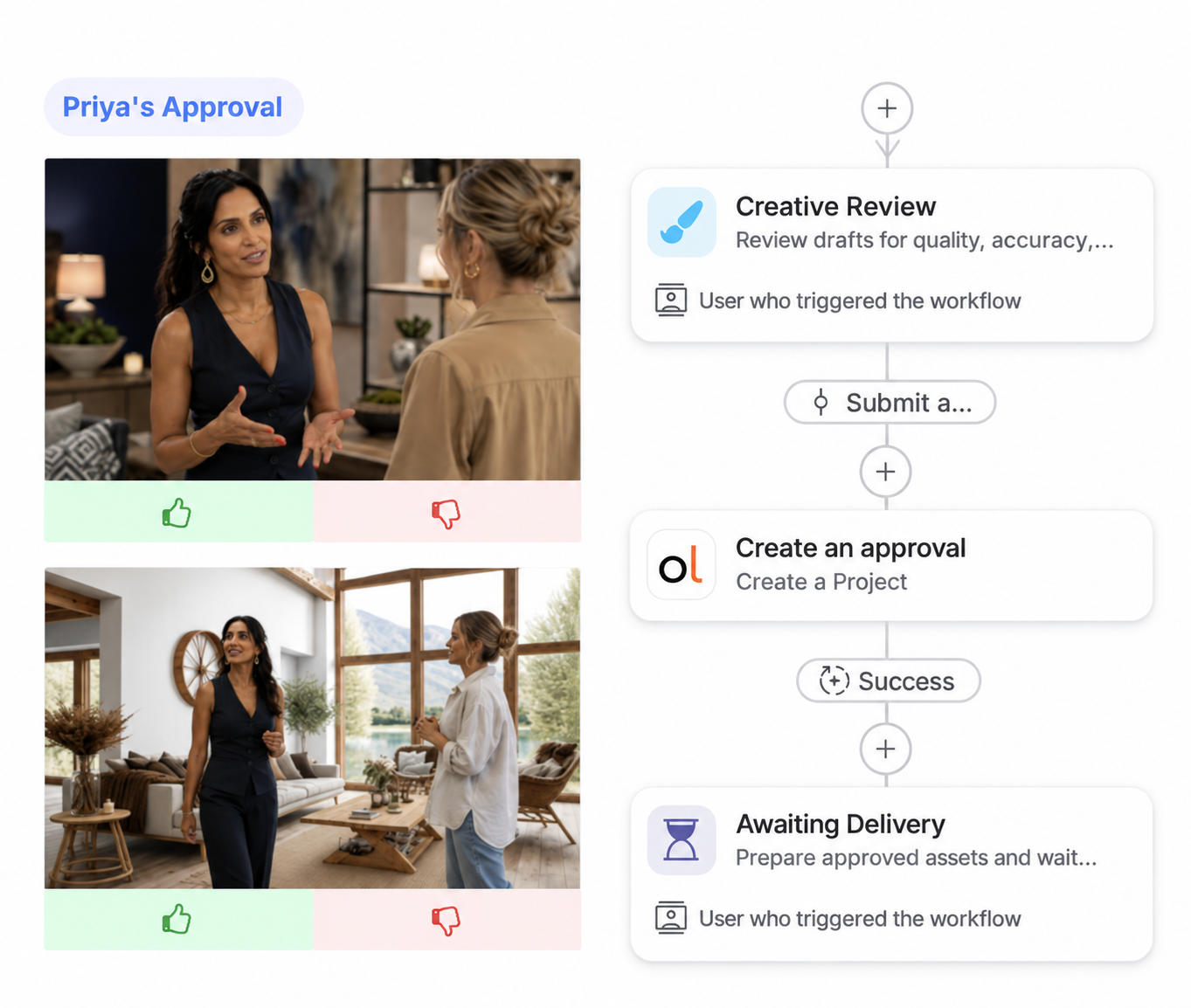
Talent Approvals & Selects
KEEP EVERY TALENT DECISION CONNECTED TO THE CONTENT
Give talent and their representatives a fast, familiar way to approve or reject shoot selects, while your team manages the content, approval status, and next steps in the same DAM.

BUILT-IN TALENT APPROVAL
REMOVE THE HAND-OFF BETWEEN
SHOOT AND SIGN-OFF
Separate talent approval software adds another system to manage, with assets sent out and decisions brought back in. Orange Logic keeps talent approval in the DAM, so the content, review, and result stay on the same record.
- Keep one content record. Assets, talent information, selections, and approval status stay together throughout the process.
- Eliminate the reconciliation step. Decisions come back to the same assets that were sent for review.
- Avoid another point solution. Add purpose-built talent approval without another platform to license, integrate, secure, and manage.
Bring talent approval into the content operation without adding another system alongside it.
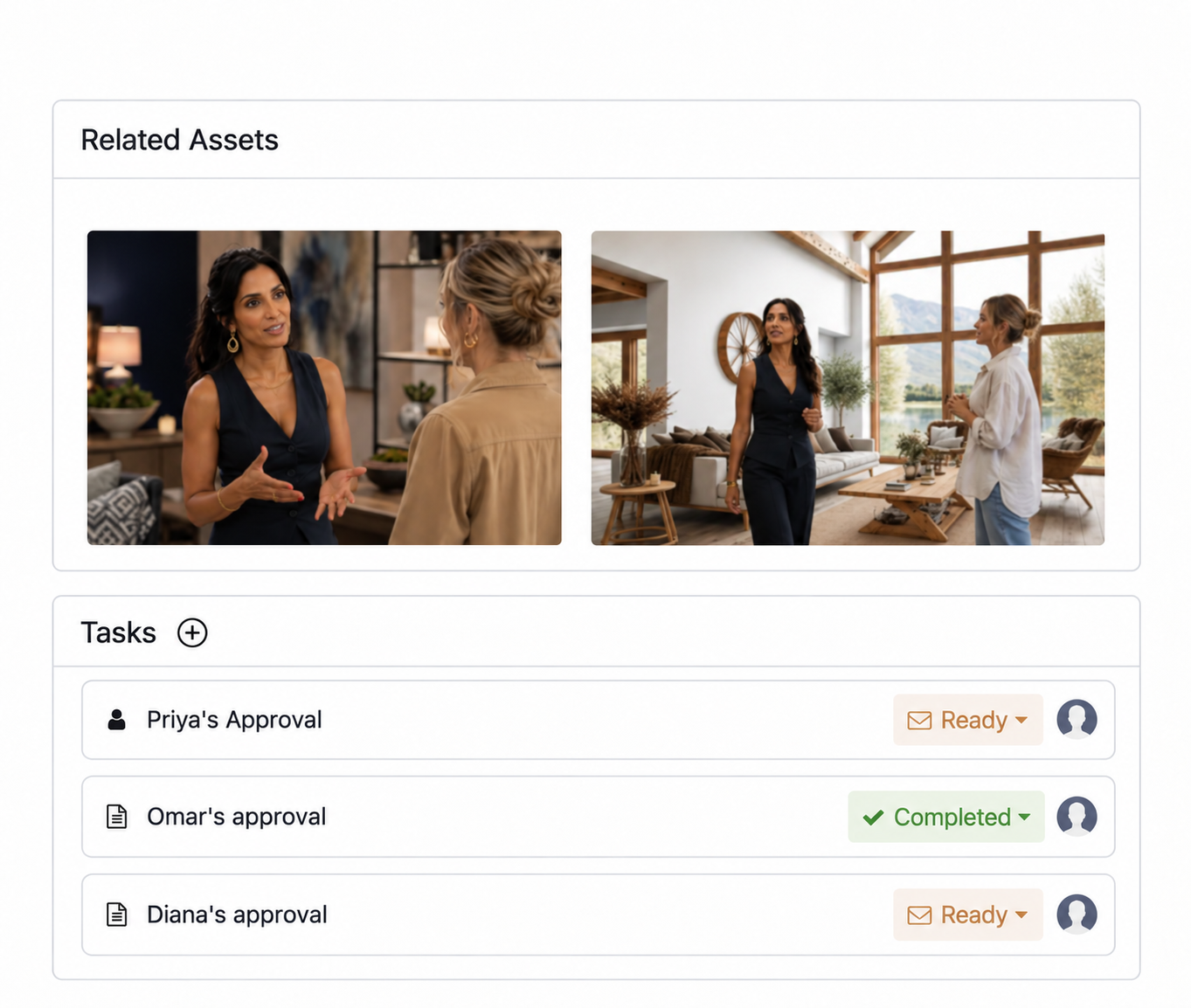
EXTERNAL TALENT REVIEW
SEND REVIEWERS STRAIGHT
TO THE SELECTS
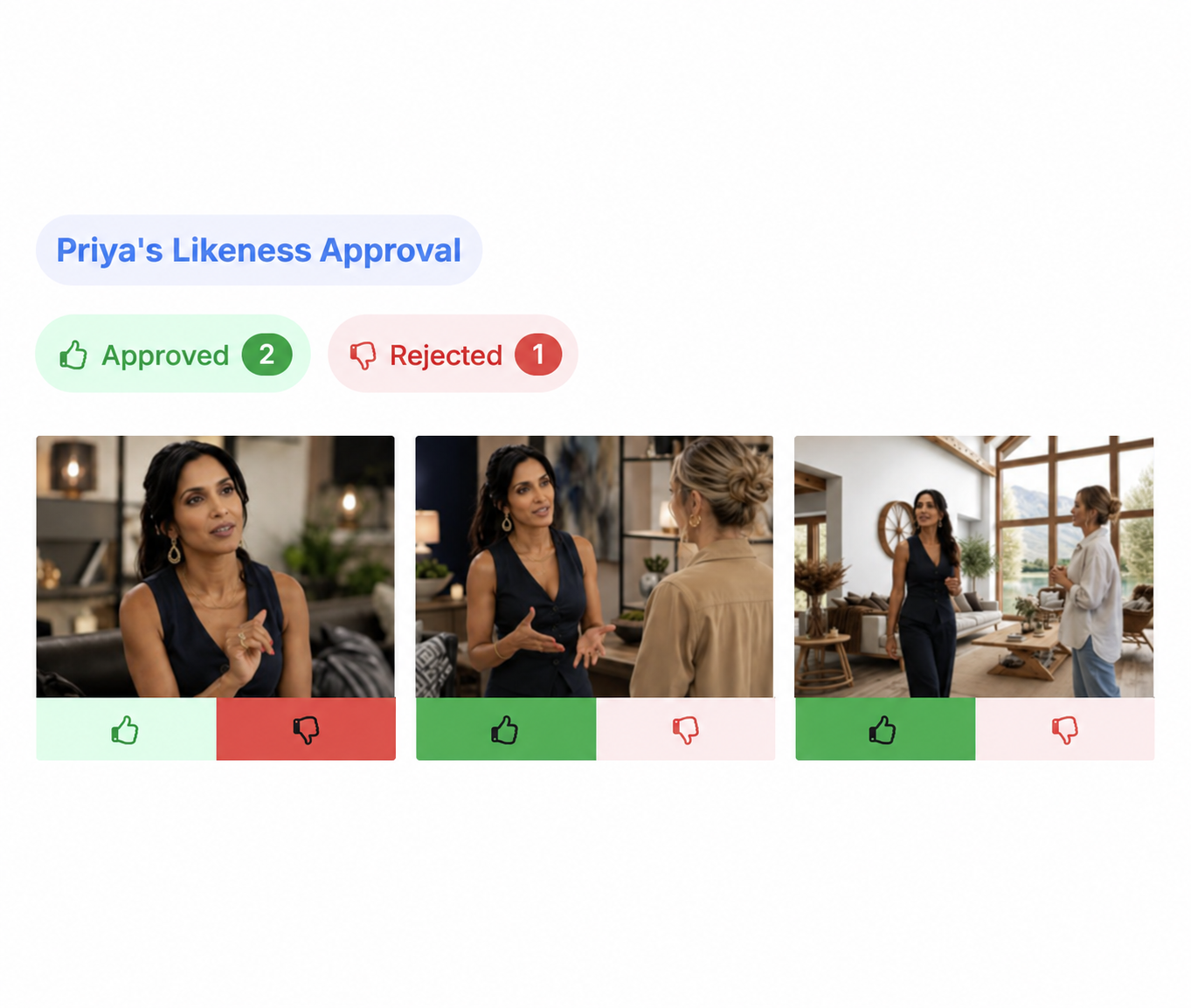
Talent and representatives should not have to learn your DAM just to make a decision. Give each reviewer direct access to the content they need, with a simple experience for making and submitting their selections.
- Go directly to the review. Send approvers a link to their assigned assets without making them navigate the DAM.
- Make every decision simple. Give reviewers clear controls to approve, reject, or rate the photos or videos in front of them.
- Review wherever it works. Let talent move through selections from desktop or mobile.
Simplify the experience for talent and other reviewers, even when the process behind it is not.
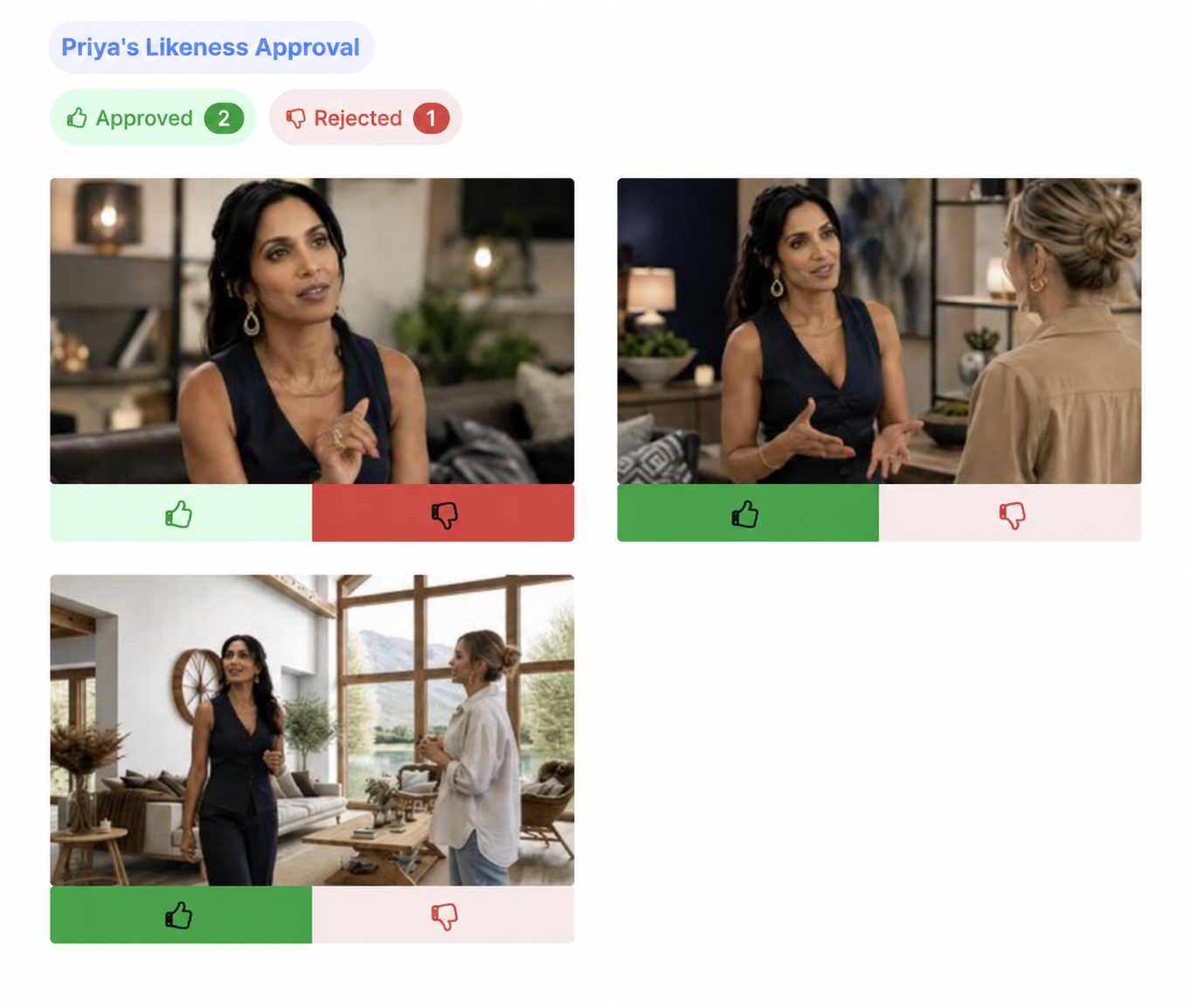
TAILORED TALENT APPROVAL
BUILD THE RULES OF THE SHOOT
INTO APPROVAL
Talent approval goes beyond general creative review. Different talent, representatives, shot types, and selection rules call for different processes. Orange Logic adapts the approval to the shoot instead of forcing every review into the same workflow.
- Choose how talent selects. Use approve or reject, traditional 1st, 2nd, and Kill selections, or configure ratings around your process.
- Set limits for different shots. Apply separate rejection limits to individual and group images so enough usable selects remain.
- Send reviews to the right representative. Associate talent with designated approvers so the right people are brought into the process consistently.
Run talent approval around the rules of the shoot, not the limits of a generic review tool.
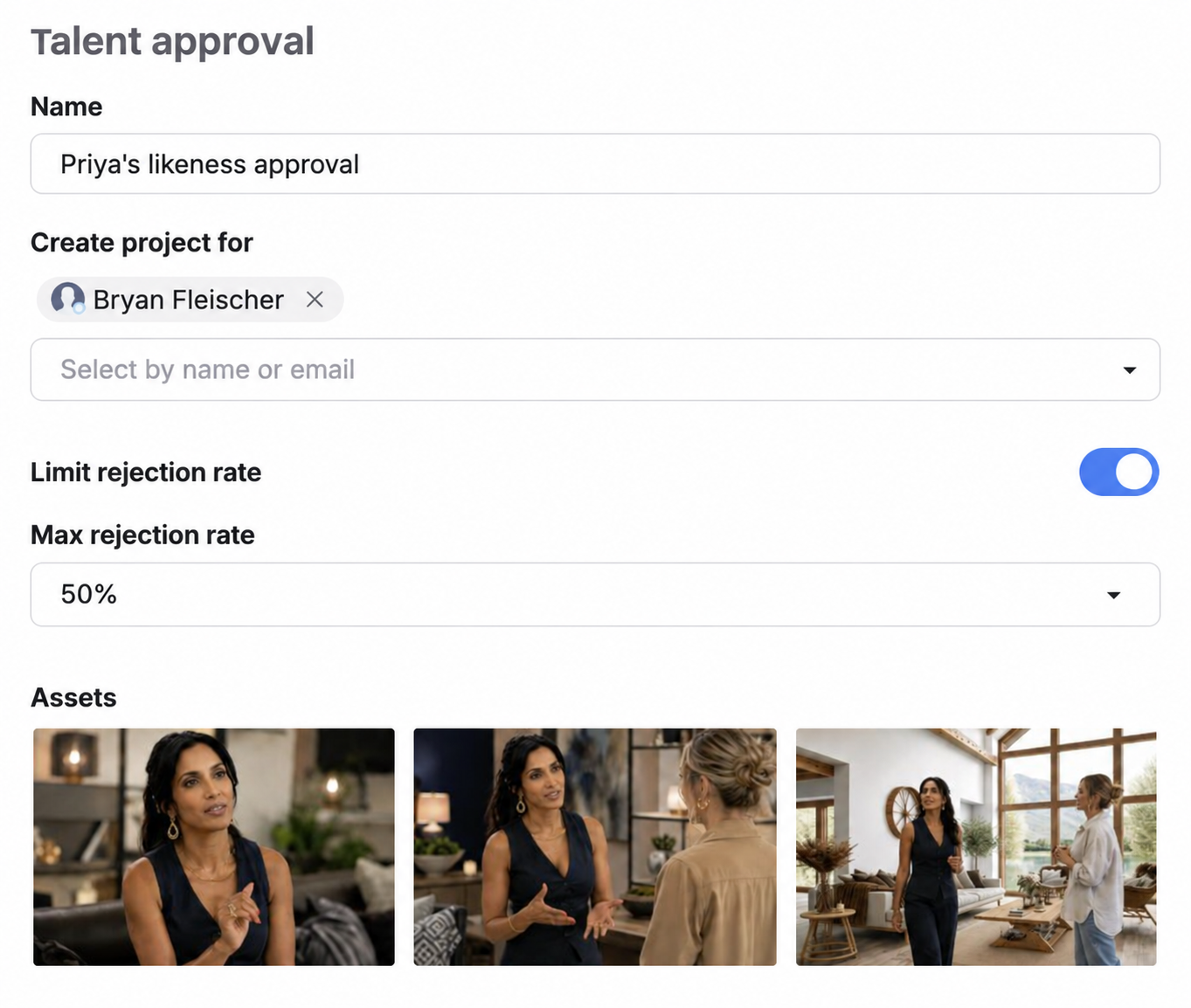
HIGH-VOLUME TALENT SELECTS
HANDLE THE VOLUME
KEEP THE DECISIONS CLEAR
Large shoots can create hundreds of decisions across talent, representatives, and rounds of review. Give reviewers faster ways to work through the volume while your team immediately sees what has been selected, rejected, or still needs an answer.
- Move through selects quickly. Use keyboard controls and streamlined review to make repetitive decisions faster.
- See where every review stands. Track approved, rejected, and pending selections without chasing individual reviewers for updates.
- Bring decisions together. Compare results across reviews and identify the selects ready to move forward.
Turn a large shoot into a clear set of decisions without manual tracking in spreadsheets.
APPROVAL HISTORY & CONTROL WORKFLOWS
PROVE WHAT TALENT SAW
AND WHAT THEY APPROVED
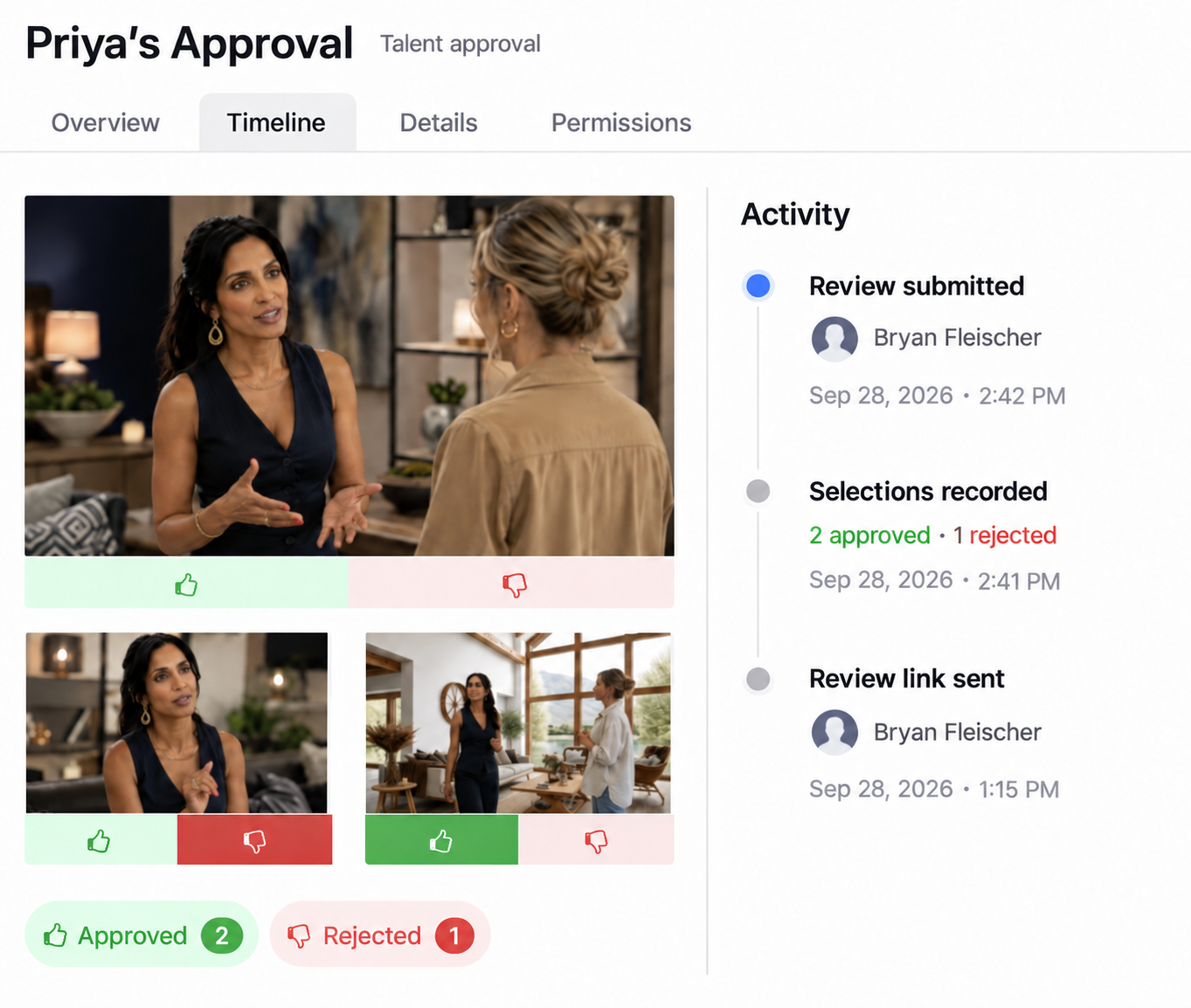
Getting a decision is only part of talent approval. Orange Logic ties what was reviewed, who reviewed it, and the result to the content, so the full approval history is easy to trace later.
- Preserve what was reviewed. Keep the approval set intact so the record reflects the content the reviewer was actually asked to assess.
- Keep the history with the asset. See approval activity and status alongside the content instead of rebuilding the timeline later.
- Stay in control of access. Set expiration dates, manage reviewer access, and revoke a review when needed while retaining submitted decisions.
Move quickly through approval without losing the record behind the decision.
CONNECTED CONTENT WORKFLOW
LET THE DECISION DRIVE
WHAT HAPPENS NEXT
Talent approval should not end with another hand-off. Because the decision is already linked to the content, teams can use that approval context as the asset moves into the work that follows.
- Move approved selects forward. Keep the decision with the content as it moves into retouching, editing, publishing, distribution, or other downstream work.
- Keep the next step informed. Make approval status available to the workflows and teams responsible for what happens next.
- Extend from approval to rights. Connect talent decisions with the releases, consent, usage terms, territories, dates, and restrictions managed through Orange Logic Rights Management.
Even when the review ends, the decision determines how to work with the asset.