Support latest file types
Get native support for specific camera file types, including R3D RAW and ProRes.
Create, collaborate, edit, and deliver video faster than ever. Orange Logic turns your DAM into a Media Asset Management (MAM), creating a powerful video production platform.

.png?width=740&height=483&name=01-AccelerateVideoProduction%20(1).png "01-AccelerateVideoProduction (1)")
.png "Our ability to share all of our archival collection and our current material with staff from home has been a priceless opportunity, (11)")

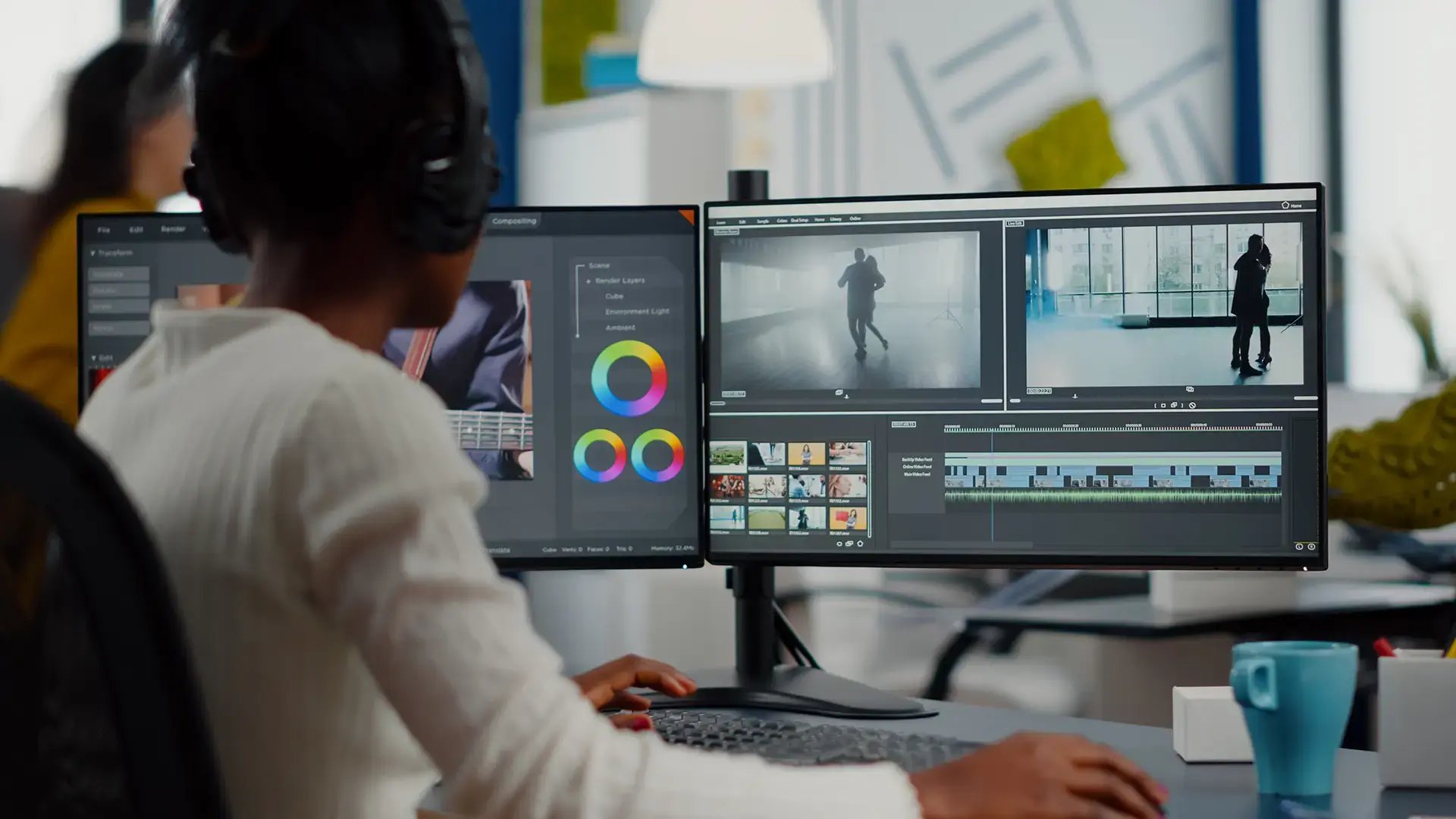
The Orange Logic media asset management solution brings video editing, review, approval, and distribution into one platform—so teams can work in their favorite tools while keeping everything synced in the DAM.
Real-time collaboration: Edit and sync large-format video without breaking workflows
Reviews & annotations: Mark up and approve video in one place
Effortless sharing: Send secure links for internal or external review
Streamlined distribution: Publish to Brightcove, Vimeo, YouTube with automatic transcoding


Video editors can keep working in Adobe Premiere, Final Cut Pro, or After Effects, with every change syncing back to the media asset management platform. For teams less video-savvy, Orange Logic’s built-in tools make it easy to clip, stitch, review, and transcode video right inside the platform—ready for distribution anywhere.
Native integrations: Connect seamlessly with Adobe Creative Cloud and other pro tools
In-platform editing: Clip, stitch, and create rough cuts without leaving the DAM
Smart review & approval: Annotate proxies, generate captions, and tag assets in one place
Automatic delivery: Transcode to the right format for YouTube, Brightcove, Vimeo, and more

Manage footage, proxies, revisions, captions, and transcoding from the same platform used by enterprise-scale media operations.
Start with one production or creative team today, then expand across departments and regions without migrating to a new system later.

.png?width=630&name=02-CombinedAIDrivenMedia%20(1).png "02-CombinedAIDrivenMedia (1)")
AI search: Find assets fast with natural language queries
Captions & translations: Auto-generate transcripts and multilingual subtitles
Rights management: Detect faces, logos, and talent for rights compliance
Audio tagging: Identify speakers and time codes for precise search

Orange Logic’s media asset management tools let teams work with massive video files, 3D models, and high-res imagery without the drag of constant uploads and downloads. .
Large file support: Work with HD to 8K video and more without performance issues
Multi-format compatibility: Manage video, audio, images, docs, and 3D in one hub
Smart transcoding: Automate or route transcoding to fit publishing needs
3D collaboration: View, annotate, and approve complex 3D models in-platform



Orange Logic’s media asset management solution extends beyond traditional asset management with powerful ingestion and delivery options to meet all your needs.

Orange Logic's media asset management software streamlines project management through automation, ensuring content is delivered on time and within compliance.


.png?width=630&height=410&name=Images%20(39).png "Images (39)")
Orange Logic helps you cut storage costs while keeping performance high. A built-in tiered system automatically moves assets to the right storage layer, balancing speed, compliance, and scalability—without adding complexity.


Orange Logic’s composable platform is the only solution to unite DAM, Product Management, and MAM. The Intelligent DAM also combines rights management, and digital preservation with AI, so teams can enhance the value of every digital asset. Get in touch to find out how you can manage end-to-end workflows using the Orange Logic Intelligent DAM platform.