Calendaring
See due dates for tasks assigned to individuals or departments.

Stay on top of your tasks and ensure smooth project progression by auto-scripting the flow of projects with Orange Logic’s Project Management tools.
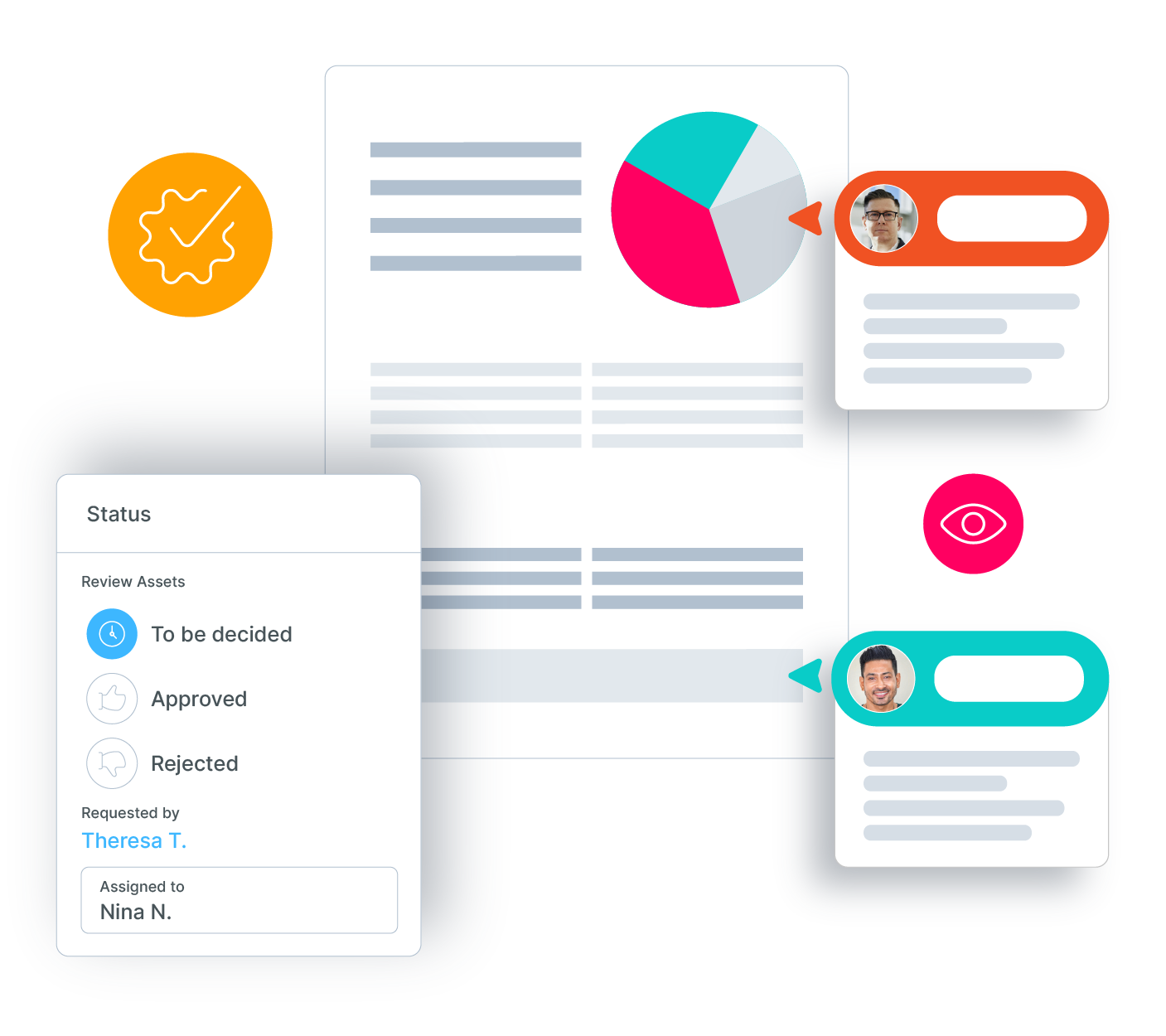
Review, discuss and streamline your review and approval processes with Orange Logic’s comprehensive DAM workflow tools.


Keeping projects on track means ensuring your team stays focused. Having the tools your team relies on integrated with your DAM system prevents context switching and eliminates tedious processes and delays, increasing your speed to market.
Add extensions on your DAM platform's homepage or Portal to view high-priority tasks, track data, or set workspaces where users can see and interact with all pending tasks.


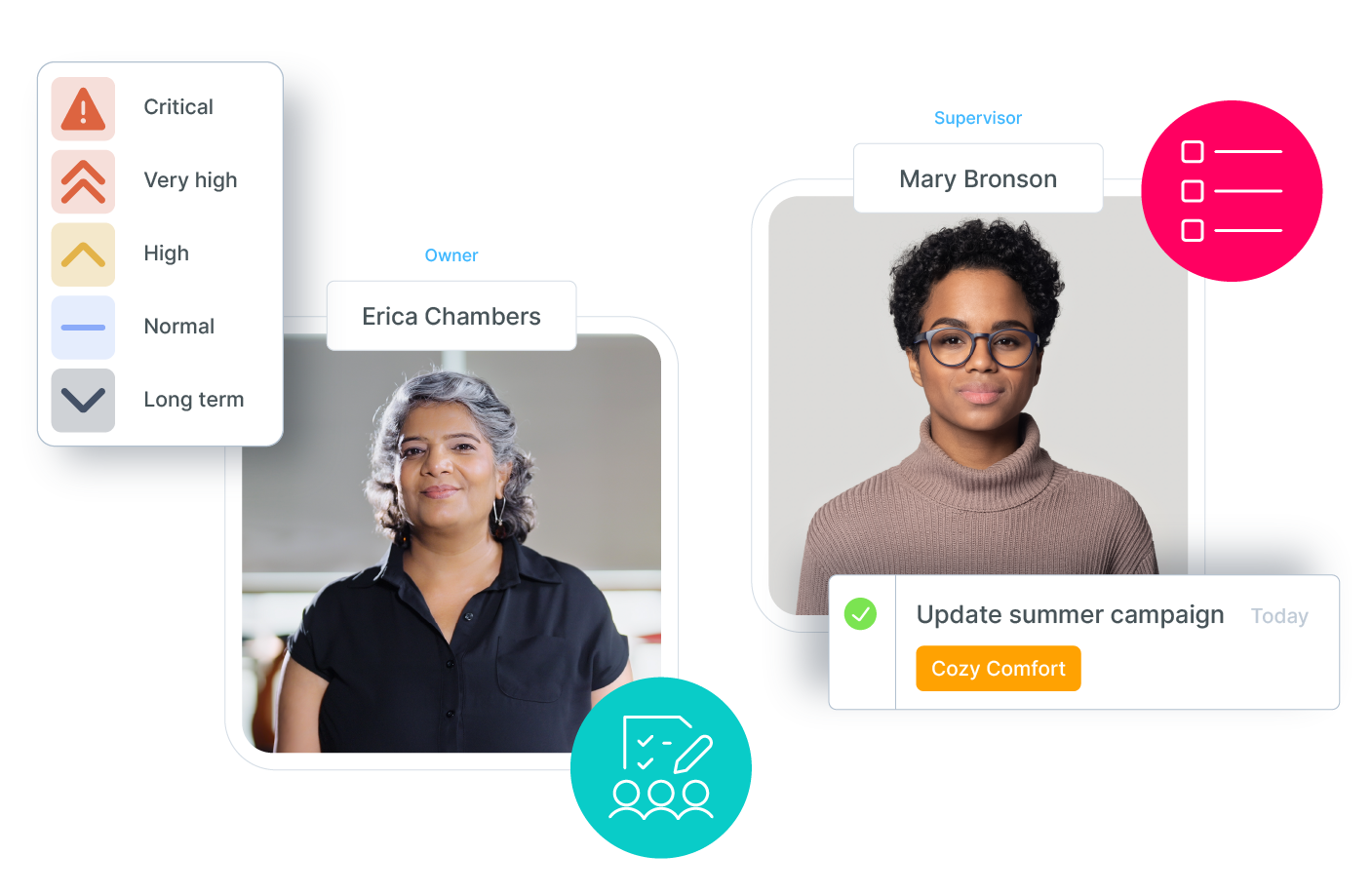
Workflows give you the ability to manage roles, assigning specific users or groups to tasks or assets. Then you can set priorities from a simple dropdown menu.
See due dates for tasks assigned to individuals or departments.
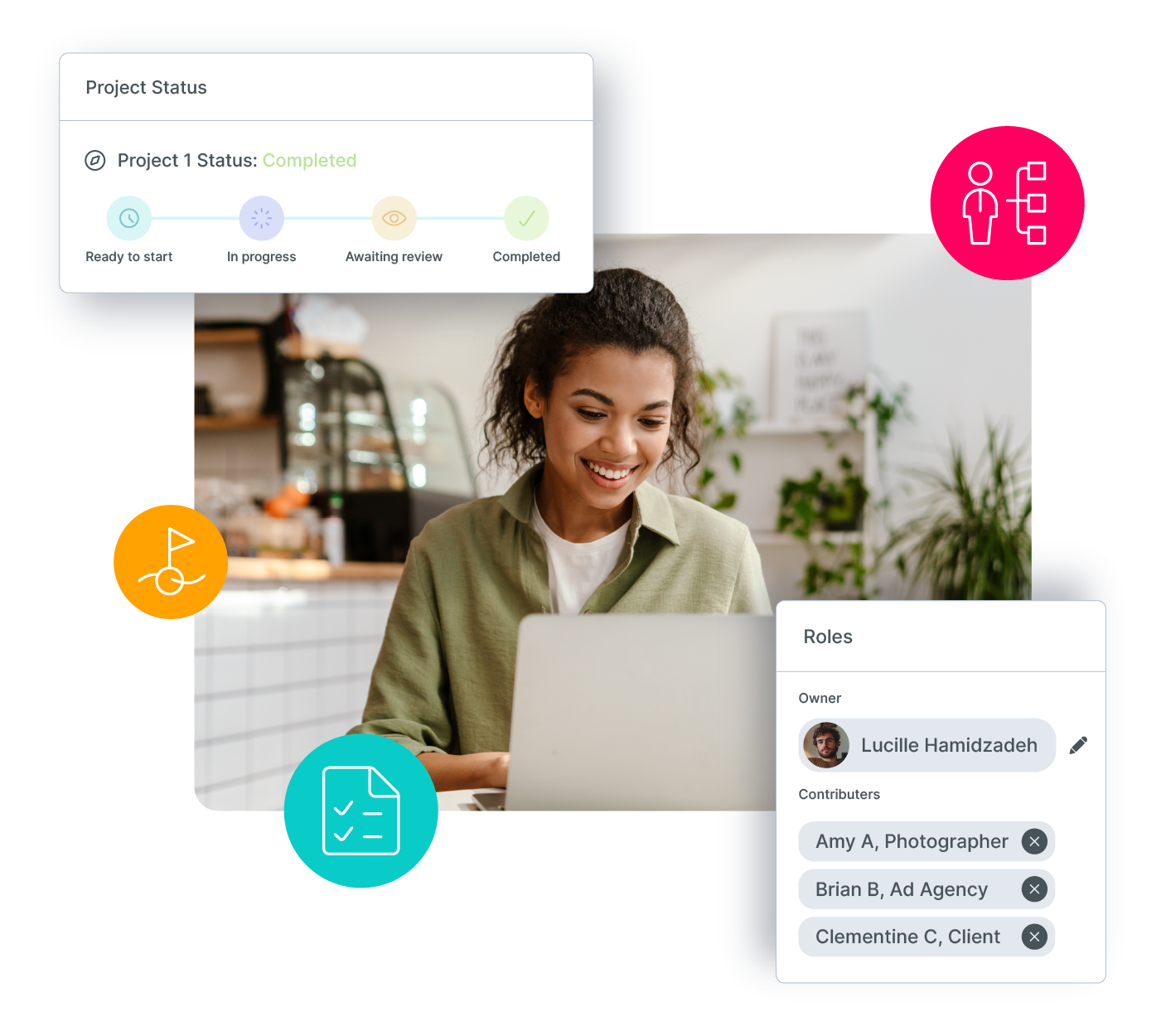
Assign users to campaigns or projects or even set up automated task assignment workflows.
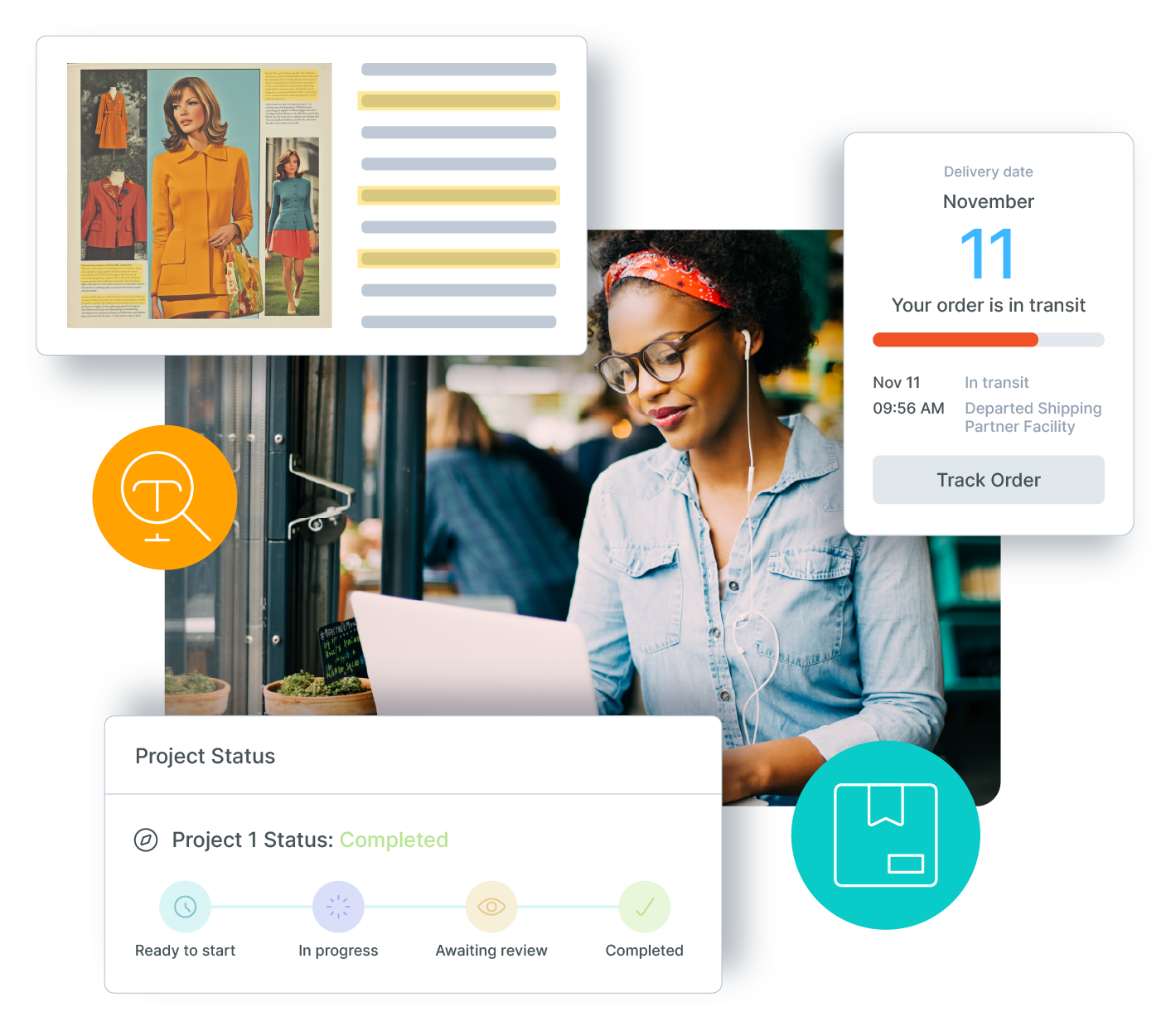
Define deliverables, set start and end dates, and monitor progress.
Create and manage roles as they pertain to projects and campaigns to stay on top of who is responsible for what.
Establish project milestones and automate actions upon completion, with configurable triggers.
House the materials for each campaign and automatically associate rights for different campaigns and assets.
What is Orange Logic’s Project Management tool?
It’s a built-in project management layer inside OrangeDAM. Teams can plan, assign, track, and approve work without leaving the DAM.
How is this different from stand-alone project management software?
Because it’s inside OrangeDAM, assets, deadlines, and approvals are connected. Tasks link directly to the files and campaigns they belong to, reducing context switching and manual tracking.
Can I assign tasks and deadlines?
Yes. You can assign tasks to individuals or teams, set due dates, and view assignments in a calendar.
Does it support campaign and project structures?
Yes. Projects house all the materials for a campaign. Roles and rights can be tied to campaigns so the right people have the right access.
How does task automation work?
Workflows can auto-assign tasks, update statuses, or trigger approvals when milestones are reached, keeping projects moving without manual follow-up.
What kind of roles and permissions are available?
You can define roles at the campaign or project level to clarify responsibilities and automate rights enforcement.
Can I monitor project progress?
Yes. You can track deliverables, start and end dates, and see progress against milestones in real time.
Does it integrate with other collaboration tools?
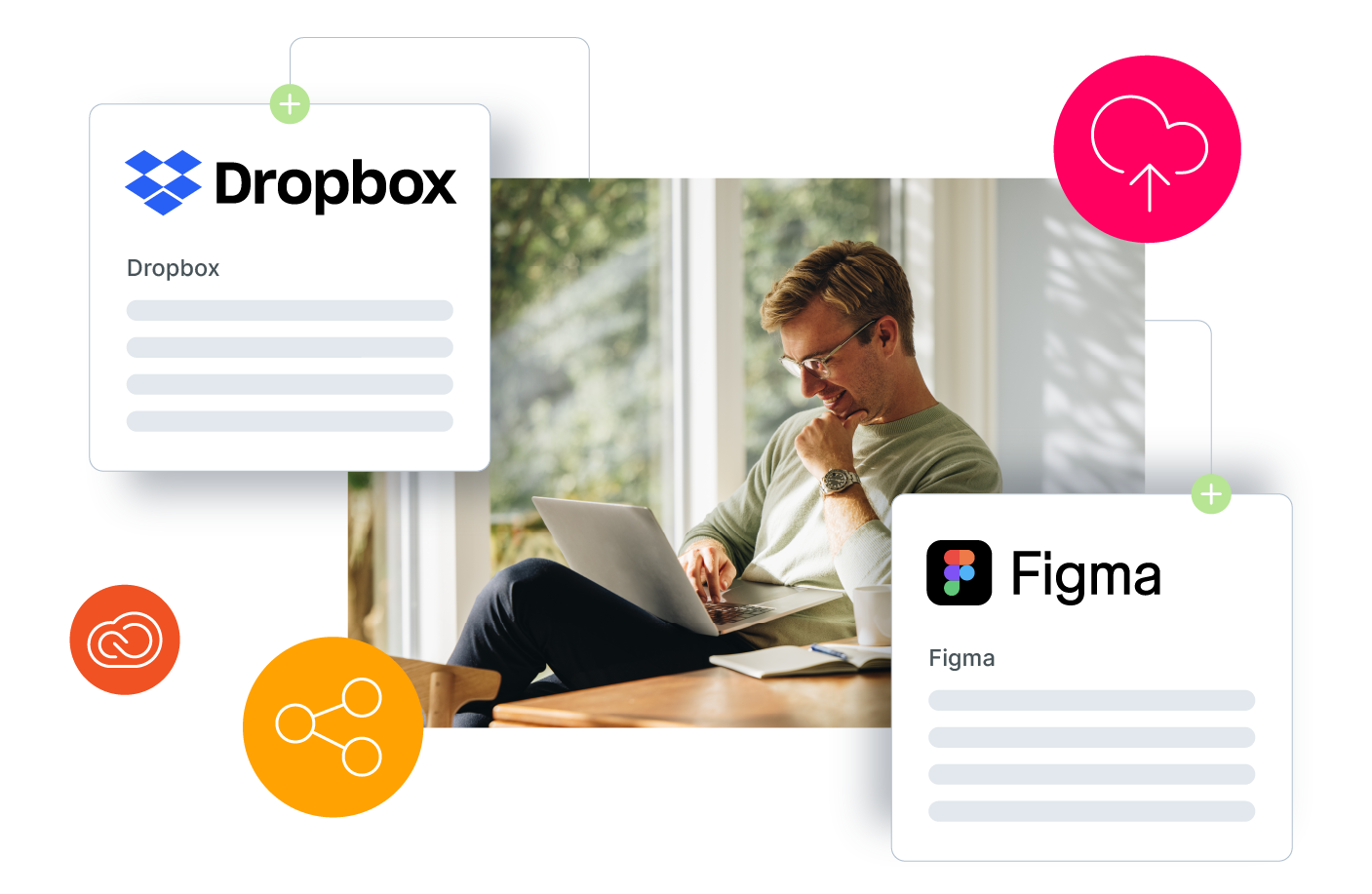
Yes. Project management sits inside OrangeDAM but also connects to external creative, marketing, and enterprise systems.
Who benefits from using it?
Creative, marketing, and brand teams benefit most, but IT, legal, and compliance can also track approvals and deadlines tied to content workflows.
How do I get started?
You can book a demo to see how OrangeDAM Project Management fits into your content operations.